Disclosure: We may earn a commission when you purchase through links on our site. This does not influence our reviews or recommendations. All units in this article were sent to me for review, I purchased none of these units.
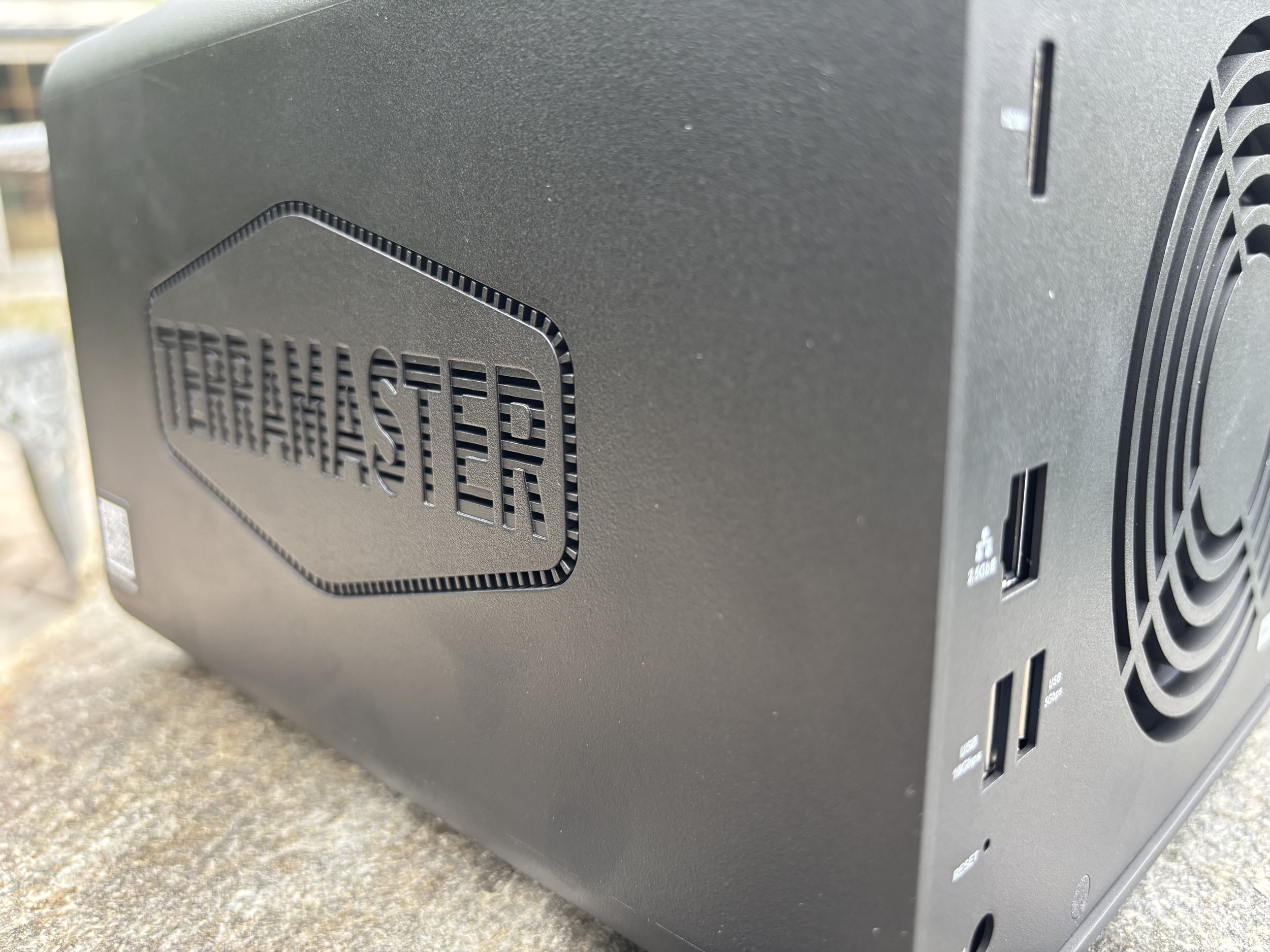
I've set up a fair number of NAS boxes at this point, and my biggest complaint has never really been about performance — it's that setting one up turns into its own IT project. Drivers, PC-side configuration tools, weird menus buried three levels deep. It gets old. That's what makes the TerraMaster F4-425 stand out to me. It's almost boringly easy.
Setup
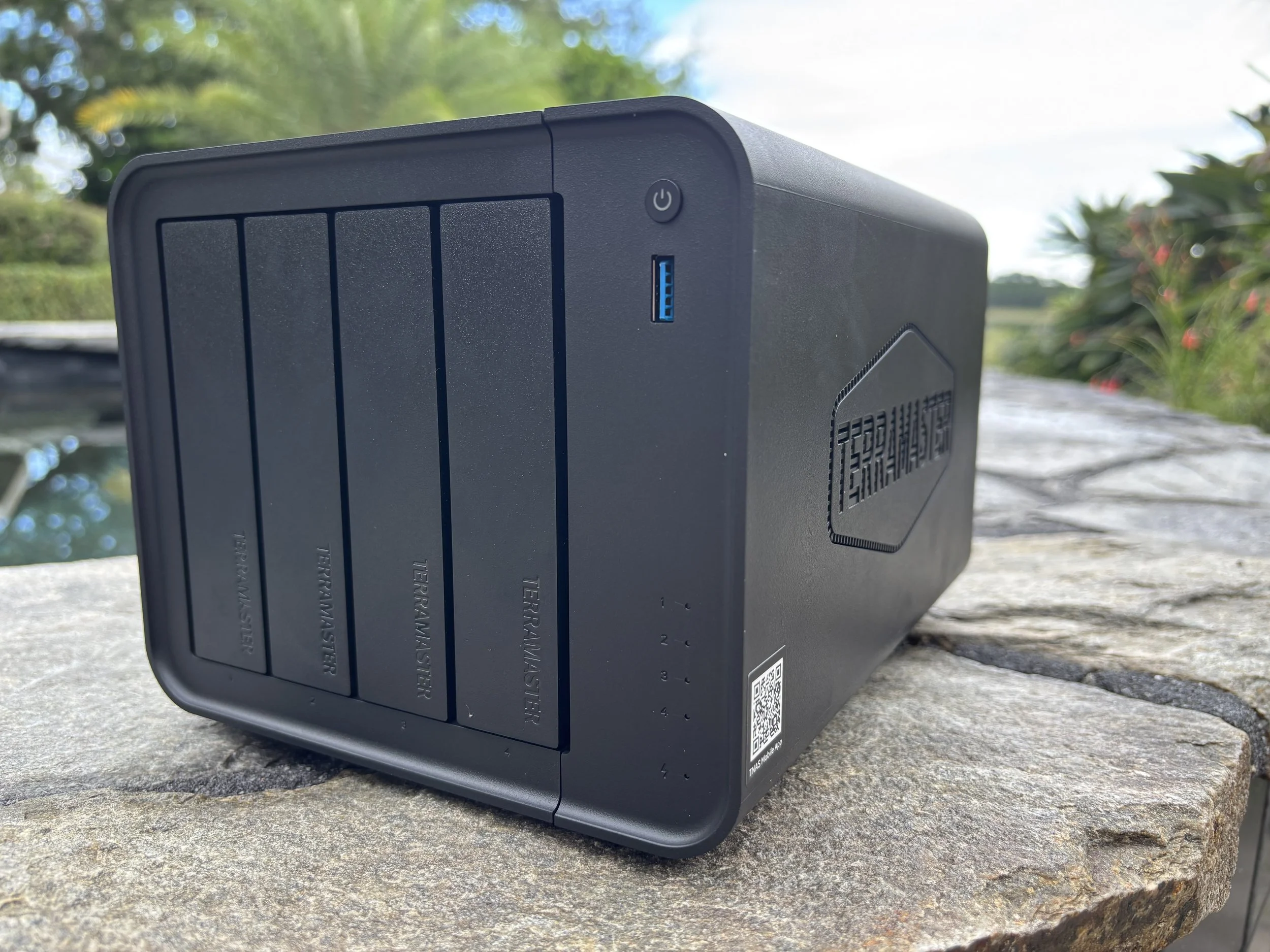
I'm always a fan of tool-less drive installation, and the F4-425 uses TerraMaster's Push-Lock trays. You drop the drives in, slide the trays into the bays, and you're done with the physical side of things. TerraMaster claims you can swap a drive in under 10 seconds — after actually doing it, I believe them.
The bigger win, though, is that you don't need to hook this up to a PC to get it running. Everything — setup, user management, backups, remote access — happens through the TNAS Mobile app. That's the difference between a NAS I can recommend to a normal person versus one I can only recommend to someone who already enjoys tinkering with servers.
Performance
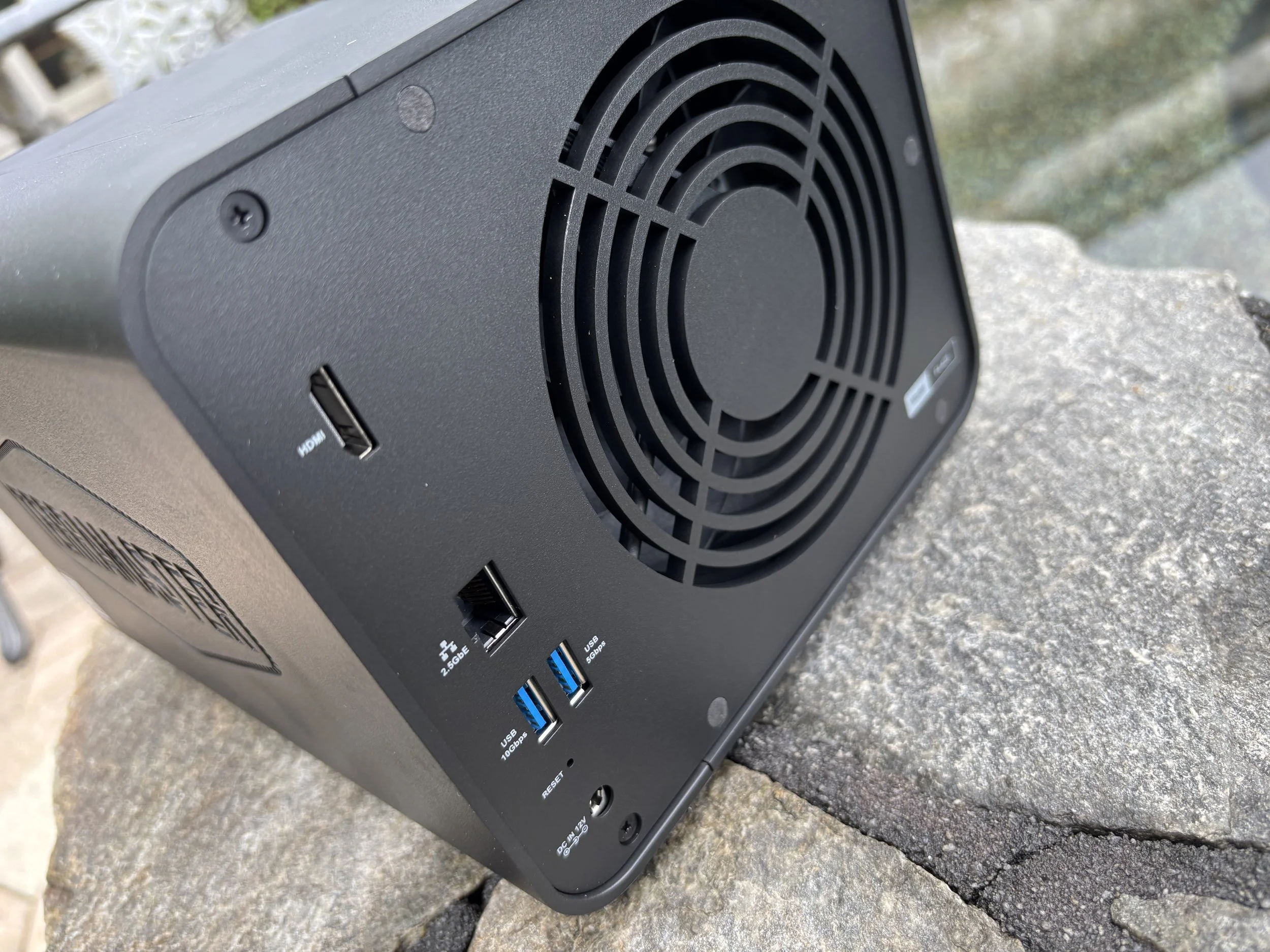
Under the hood is an Intel Celeron N5095 — quad-core, 2.0GHz base, boosts to 2.9GHz — paired with 4GB of DDR4 (upgradeable to 16GB) and a 2.5GbE network port instead of the usual Gigabit.
In practice, this thing zips on my network. No slowdowns, no moments where I wished I'd just built a dedicated PC instead. It also does hardware 4K H.265 decoding and plays nice with Plex, Emby, and Jellyfin if you want to go beyond basic file storage, though that's not really why I bought it.
Size and Noise
NAS servers used to be bigger, louder, and just more annoying to find a home for. You'd end up with another chunky box sitting next to your router, humming away.
The F4-425 breaks that pattern. It's about 8.7 x 7 x 6.1 inches, weighs roughly 4.6 pounds empty, and TerraMaster rates it at 21 dB(A) under their test conditions. Your actual drives will add their own noise, but the NAS itself is quiet enough that I can tuck it away at my desk and forget it's there.
Storage and Expansion
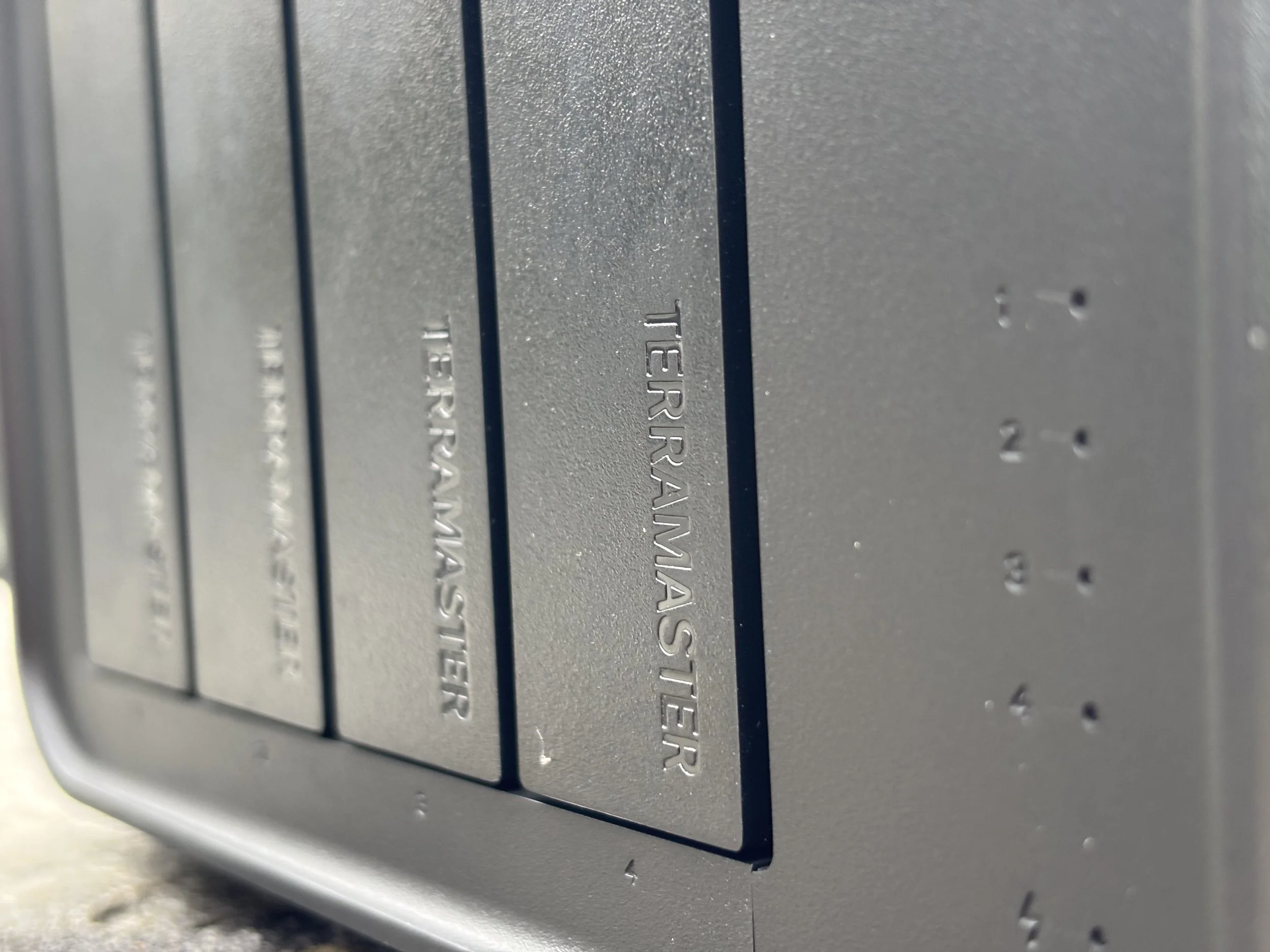
Four SATA bays, compatible with 3.5" and 2.5" HDDs as well as 2.5" SATA SSDs. TerraMaster rates it up to 120TB total using four 30TB drives, and it supports RAID 0, 1, 5, 6, 10, plus TerraMaster's own TRAID and TRAID+ setups.
That gives you room to start simple and grow into something more serious later, whether that's redundancy or just more capacity. Worth remembering the drives aren't included — a NAS in this price range can get expensive fast once you fill four bays with NAS-rated drives.
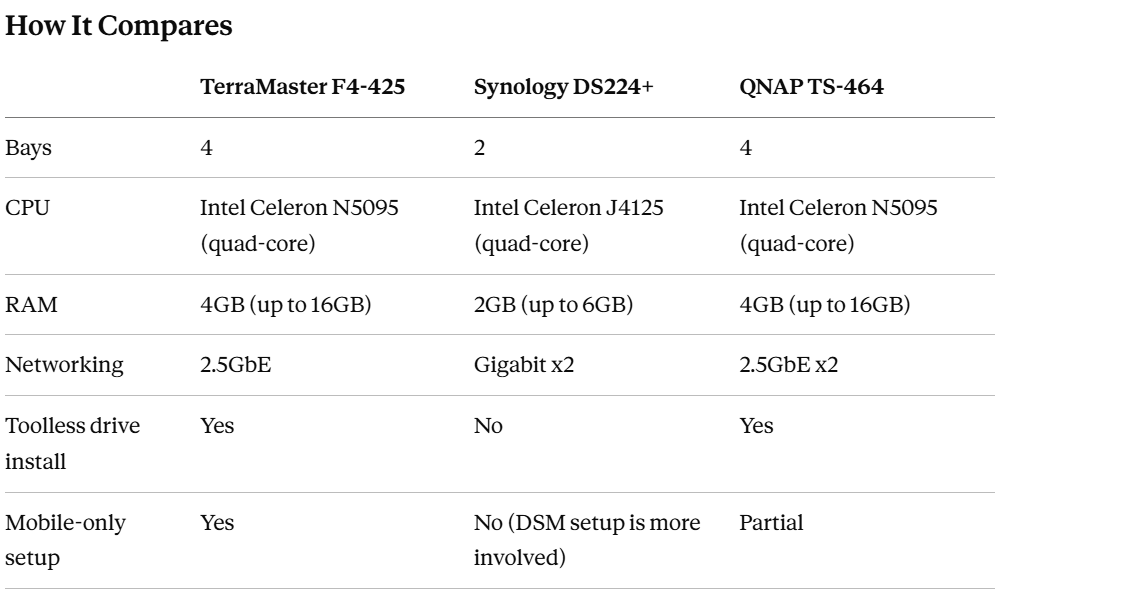
Synology's software (DSM) is still the gold standard if you want the most polished, feature-rich NAS OS around, and it's hard to argue with that reputation. But you're also getting fewer bays and less RAM for a similar price, and the setup process leans more toward "PC required" than the F4-425's phone-first approach. QNAP's TS-464 is closer on paper, but I've found TerraMaster's setup experience noticeably less fussy for someone who just wants storage, not a new hobby.
Why I'd Take This Over an Old PC
You can build a NAS out of an old desktop — I've got the hardware lying around to do it myself, and depending on what you already own, it might even be cheaper. But after using the F4-425, I don't really want to.
An old PC takes up more room, draws more power, runs hotter and louder, and generally needs more babysitting. The F4-425 is a purpose-built box that sits there and does one job well. Install the drives, configure it, tuck it away. Done.
There's a real argument for building your own if you want full control over the hardware and software. But if you just want reliable storage without turning it into another project, I'd take the dedicated NAS every time.
The Bottom Line
The F4-425 gets you four drive bays, a quad-core Intel processor, 4GB of upgradeable DDR4, 2.5GbE networking, and support for up to 120TB raw — usually priced under $400 without drives. You're not getting NVMe slots or dual 5GbE ports at this price, and TerraMaster has pricier models if you need those. But that's not really what this box is for.
This is the NAS I'd point someone toward if they're tired of using an old bulky PC as a file server and don't want to spend a fortune fixing that. It's small, it's quiet, it's fast enough that I never think about it, and setup doesn't require owning a second computer.