OLED Gaming Monitor vs. 4K Monitor: Which Is Actually Better?
Disclosure: We may earn a commission when you purchase through links on our site. This does not influence our reviews or recommendations.
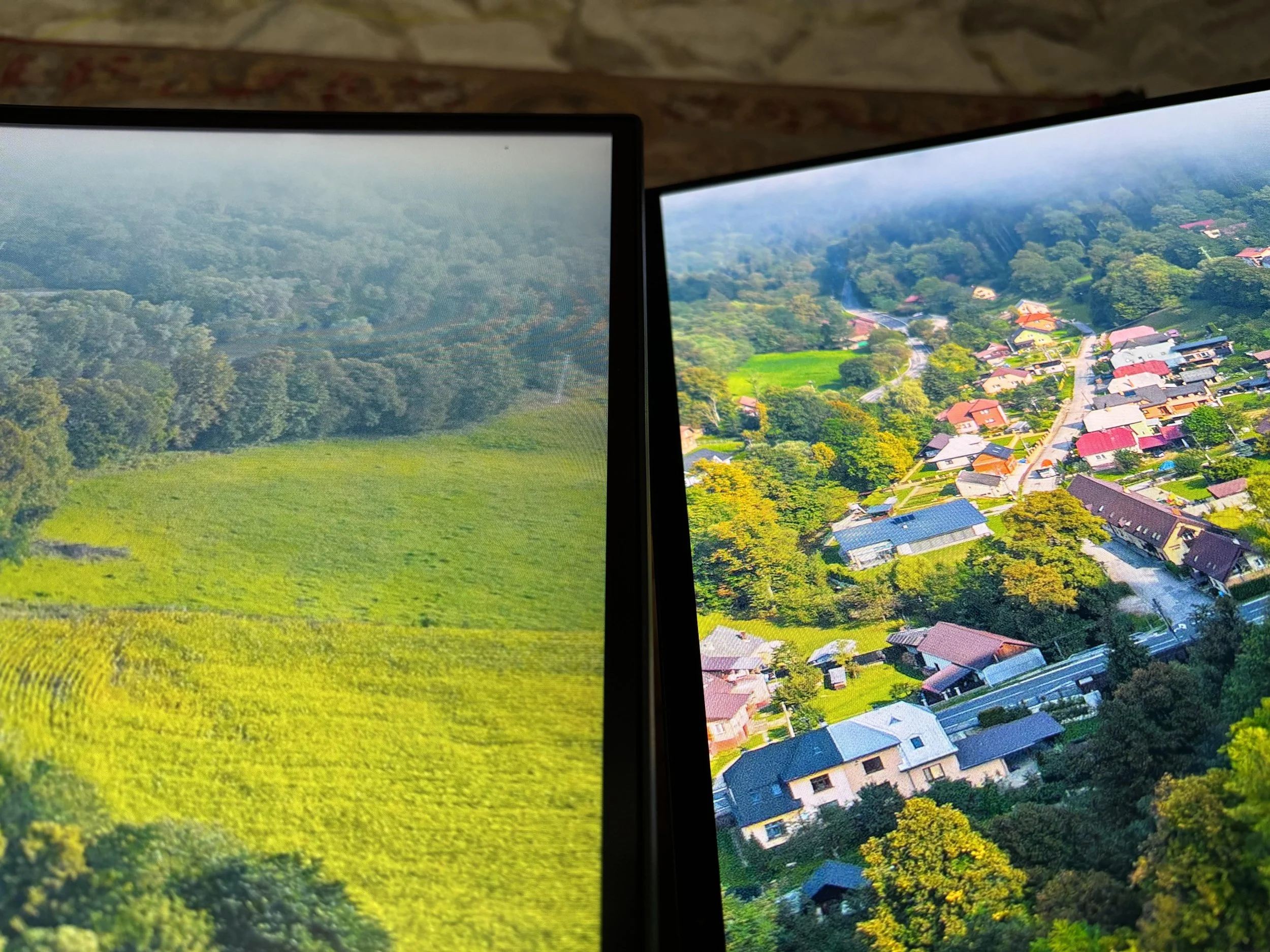
Watch enough monitor reviews on YouTube and you'll start to think OLED is the only real option left. Perfect blacks, infinite contrast, response times measured in fractions of a millisecond — reviewers aren't wrong to be excited about it. I've spent real time with OLED displays and I get the appeal. But if I were spending my own money today, I'd still buy a good 4K IPS monitor — or an ultrawide — over an OLED. Here's why.
OLED Earns the Hype, for a Specific Kind of Use
I'm not here to talk OLED down. Dark scenes have a depth no LCD panel can touch, and HDR content on a good OLED panel is genuinely one of the better things you can look at on a desk. If your main use case is gaming or movies in a dim room, OLED is hard to argue against. That's just not what I'm doing most of the day.
My Screen Is a Workspace First
Most of my time at the computer isn't gaming — it's writing, editing video, answering email, researching, and keeping way too many browser tabs open at once. For that, usable screen real estate matters more than marginally better contrast. A 32-inch 4K monitor gives me roughly 8.3 million pixels to spread windows across — enough to run a full-width timeline in my editor with a script open beside it and still have room for reference tabs. An ultrawide does something similar in a different shape: wide enough to replace a two-monitor setup without a bezel splitting my view in half. That extra room saves me time every day. Perfect blacks don't.
IPS Has Actually Caught Up
This part gets buried under all the OLED coverage: IPS panels are much better than they were even three or four years ago. They're not OLED — no panel-level dimming, no true blacks — but the gap has narrowed. Factory-calibrated color accuracy, high pixel density for sharp text, wide viewing angles, and sustained brightness in the 400-600 nit range make them genuinely comfortable to stare at for a 10-hour workday. For anything text- or productivity-heavy, that combination matters more than deep shadow detail.
Burn-In Isn't My Biggest Worry, But It's Not Zero Either
Pixel shifting, logo dimming, and automatic refresh cycles have made modern OLED monitors far more resistant to burn-in than the TVs from five years ago. The risk is genuinely low now. But my screen has a static taskbar, the same editing toolbars, and the same handful of pinned browser tabs sitting in place for hours at a time, every single day. Low risk isn't no risk, and with an IPS panel I don't have to think about it at all. That's worth something.
The Price Gap Is Still Real
OLED monitors have gotten cheaper, but a quality OLED monitor and a quality 4K IPS monitor aren't in the same price bracket yet. For the money I'd spend on a mid-range OLED, I can get a larger 4K IPS panel or a nicer ultrawide and still have cash left over. For how I actually use the screen, that's the better trade.
It Comes Down to How You Use the Machine
The internet likes clean verdicts — OLED wins, conversation over. I don't think it's that simple. If your PC is mainly a gaming rig, OLED deserves to be on your shortlist, no argument. But if your computer is also your office, your edit bay, and your research station — and gaming is just one part of that — a good 4K IPS monitor or ultrawide makes a stronger case than most reviews give it credit for.
My Take
OLED is one of the most impressive display technologies I've used. I just don't think it's the automatic right answer for everyone. For my workflow, the extra desktop space, lower price, and one less thing to worry about outweigh OLED's picture quality advantage. The best monitor isn't always the one with the most impressive spec sheet. It's the one that makes your actual workday — and your gaming — a little easier.