
Miofive Dash Cam Buying Guide: Comparing the Current Lineup
Disclosure: We may earn a commission when you purchase through links on our site. This does not influence our reviews or recommendations.
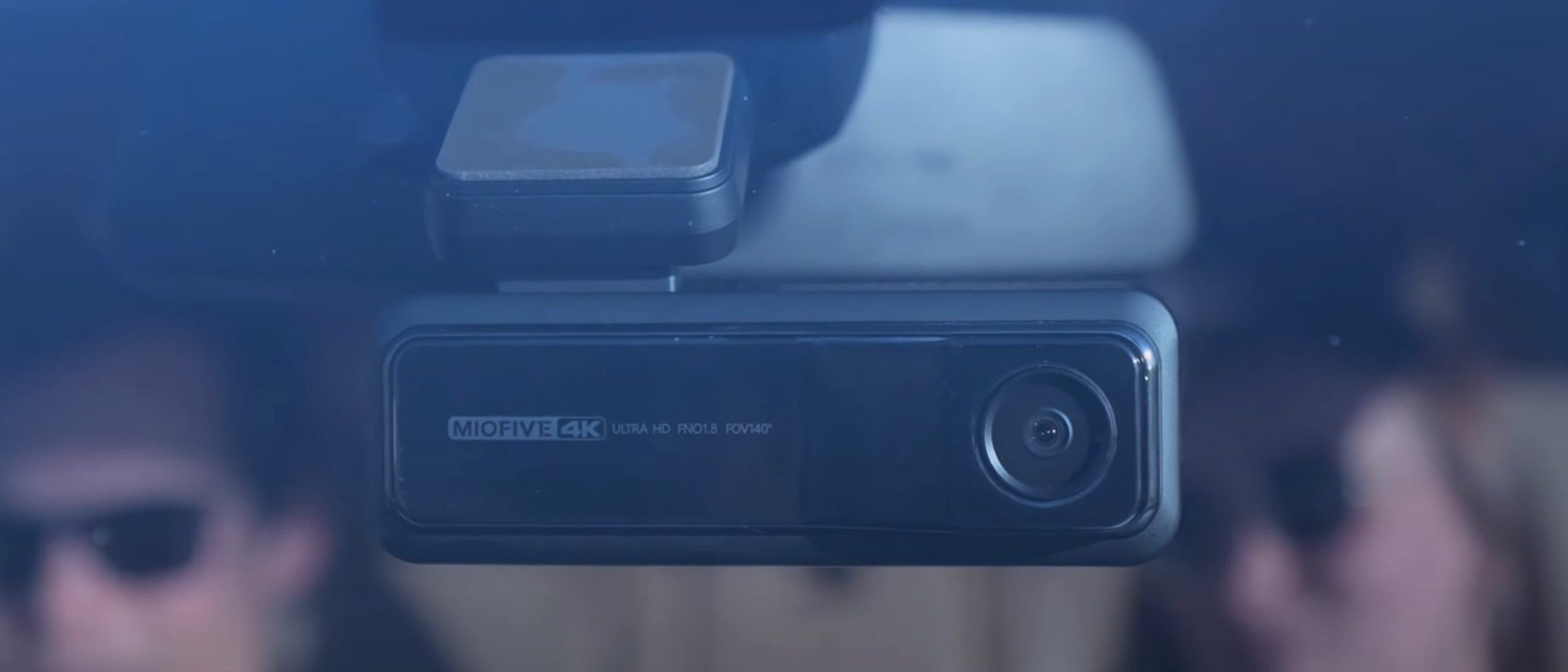
A dash cam can be an invaluable addition to your vehicle, but choosing one isn't always as simple as picking the camera with the highest resolution. Do you need front and rear recording? Is 4K important to you? Would you rather have something small and discreet, or a system that replaces your existing rearview mirror?
Miofive has several options that take different approaches to those questions. With the company's October Prime Day 2 deals running October 6–7, this could also be a good time to compare the different models and decide which features actually matter for your driving needs. Here's what you should know about the current Miofive lineup and where each model fits.
Miofive Mini 2: A Simple, Affordable Dual-Camera Setup
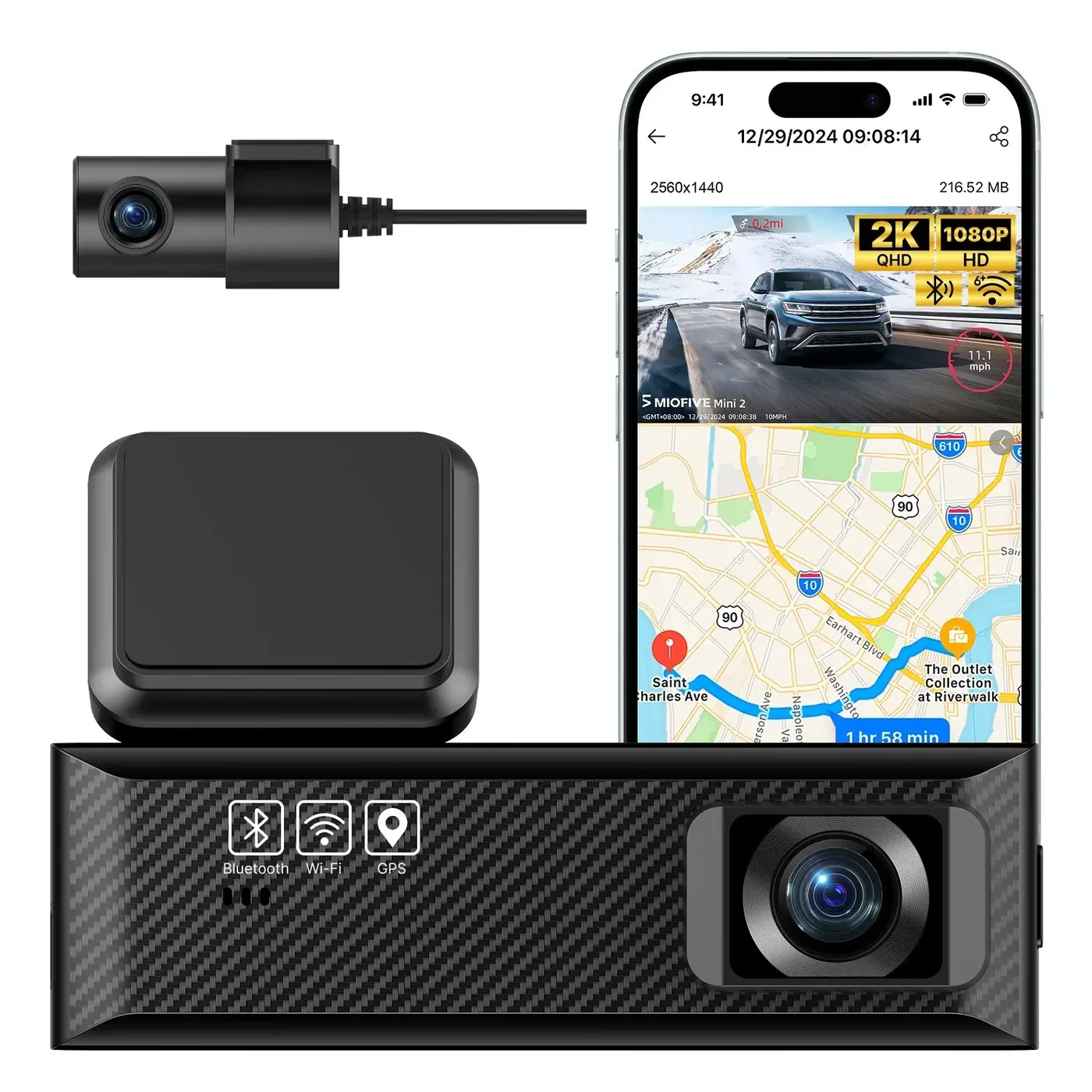
If keeping things inexpensive is the priority, the Mini 2 is the most budget-focused option in this lineup. It records 2K video from the front and 1080p from the rear, giving you coverage in both directions. It also includes Wi-Fi and GPS, along with HDR night vision and a G-sensor for detecting impacts. The Mini 2 supports 24-hour parking monitoring with a separately sold hardwire kit. Consider the Mini 2 if you want front-and-rear recording without spending much.
Miofive S1+32G: 4K Front Recording
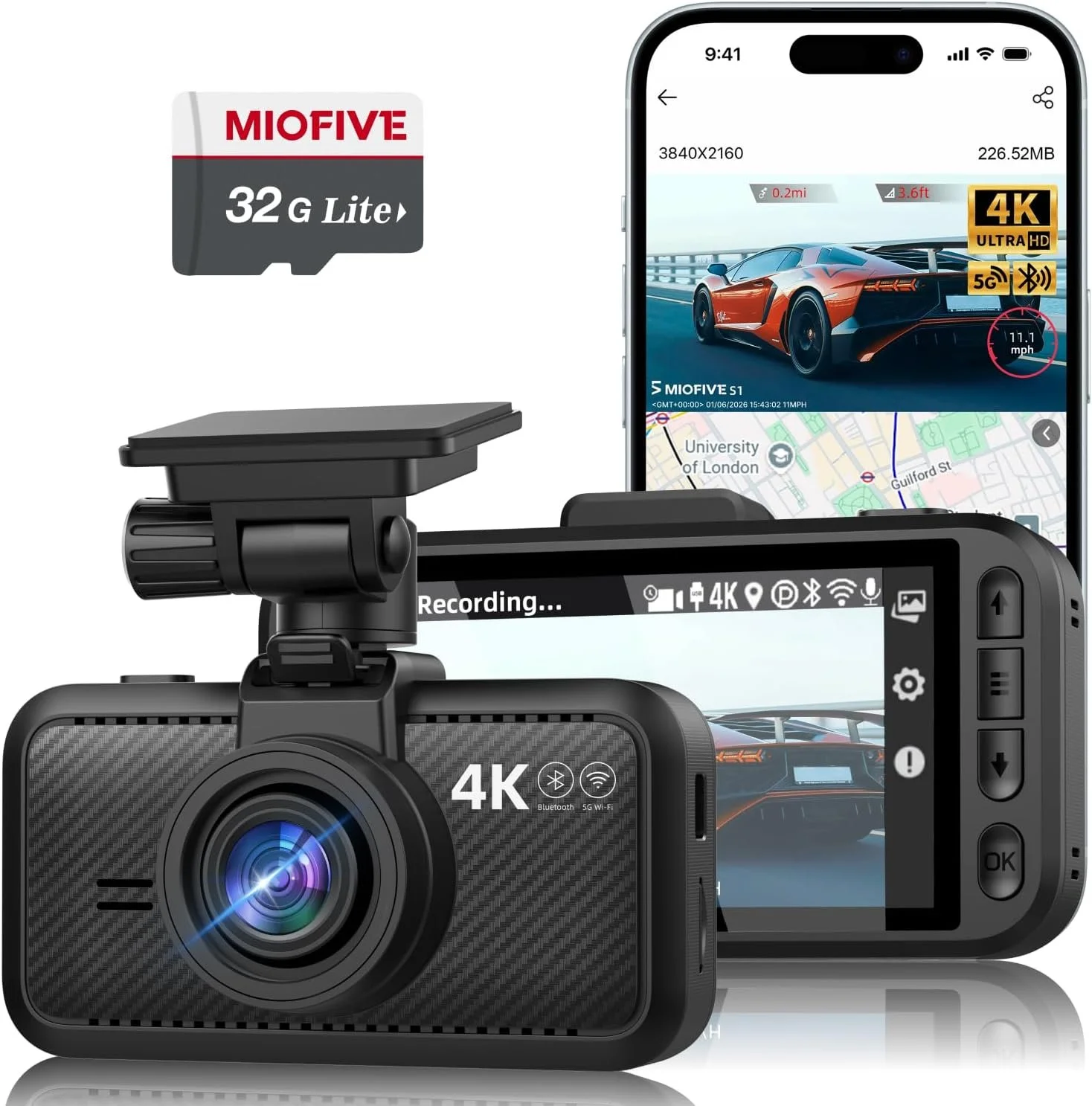
The S1+32G takes a different approach by focusing on higher-resolution recording from a single front-facing camera. It captures true 4K video at 30fps through a 140-degree F1.8 wide-angle lens. Dual-band Wi-Fi and Bluetooth 4.2 make it possible to access footage through the Miofive app, while a 32GB microSD card is included and storage can be expanded up to 512GB. The camera also uses a built-in supercapacitor rather than a traditional battery. Consider the S1+32G if you care more about detailed 4K front footage than having a rear camera.
Miofive S1 Pro: Front 4K and Rear 2K
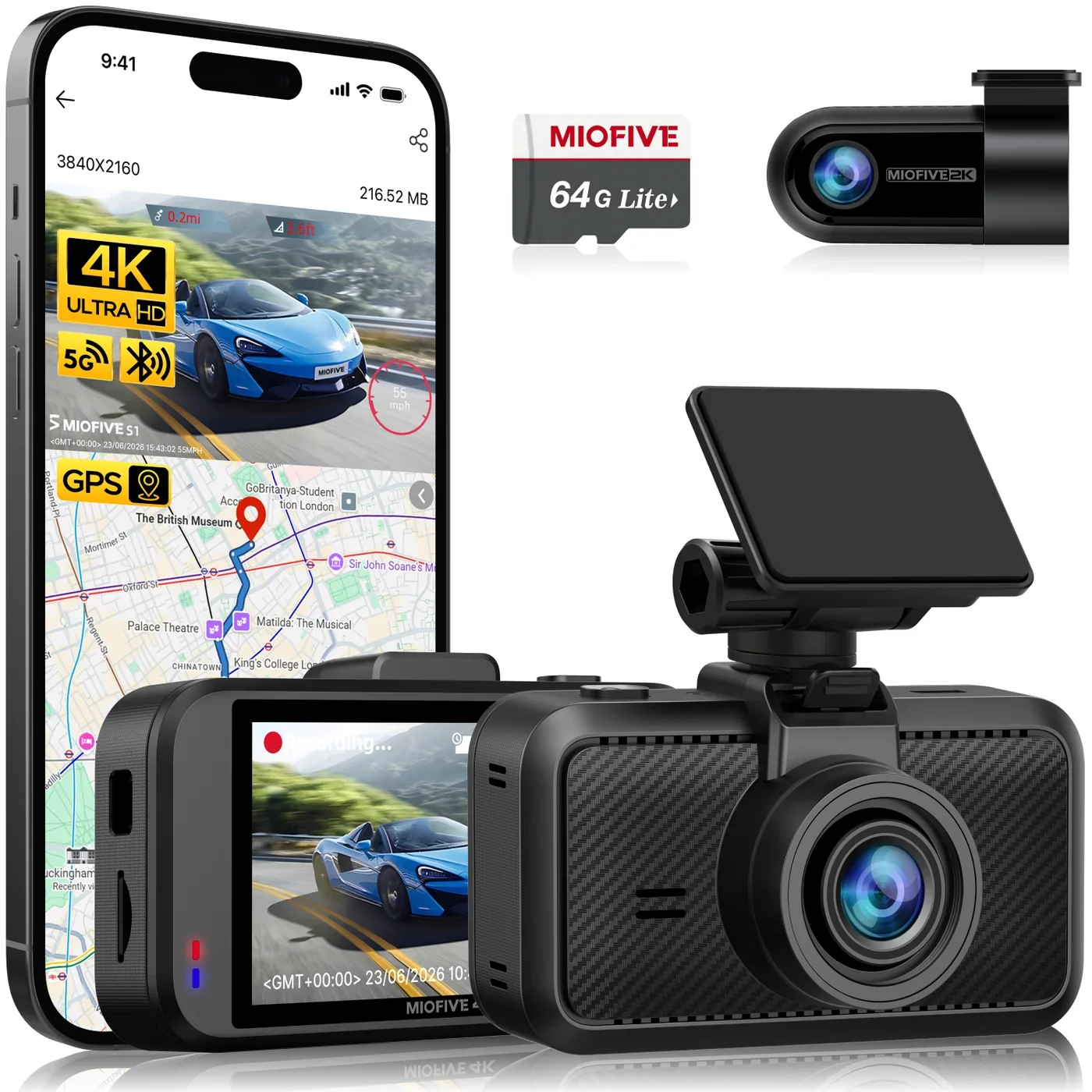
The S1 Pro adds a rear camera while keeping 4K recording up front. The front camera records 4K at 30fps, while the rear camera records 2K at 30fps. The rear camera can rotate 360 degrees and connects with a 6-meter cable, providing some flexibility when positioning it in the vehicle. It also includes 24/7 parking monitoring and G-sensor locking. Consider the S1 Pro if you want 4K footage from the front and additional coverage behind the vehicle.
Disclosure: We may earn a commission when you purchase through links on our site. This does not influence our reviews or recommendations.
Miofive S1 Ultra: 4K Front and Rear
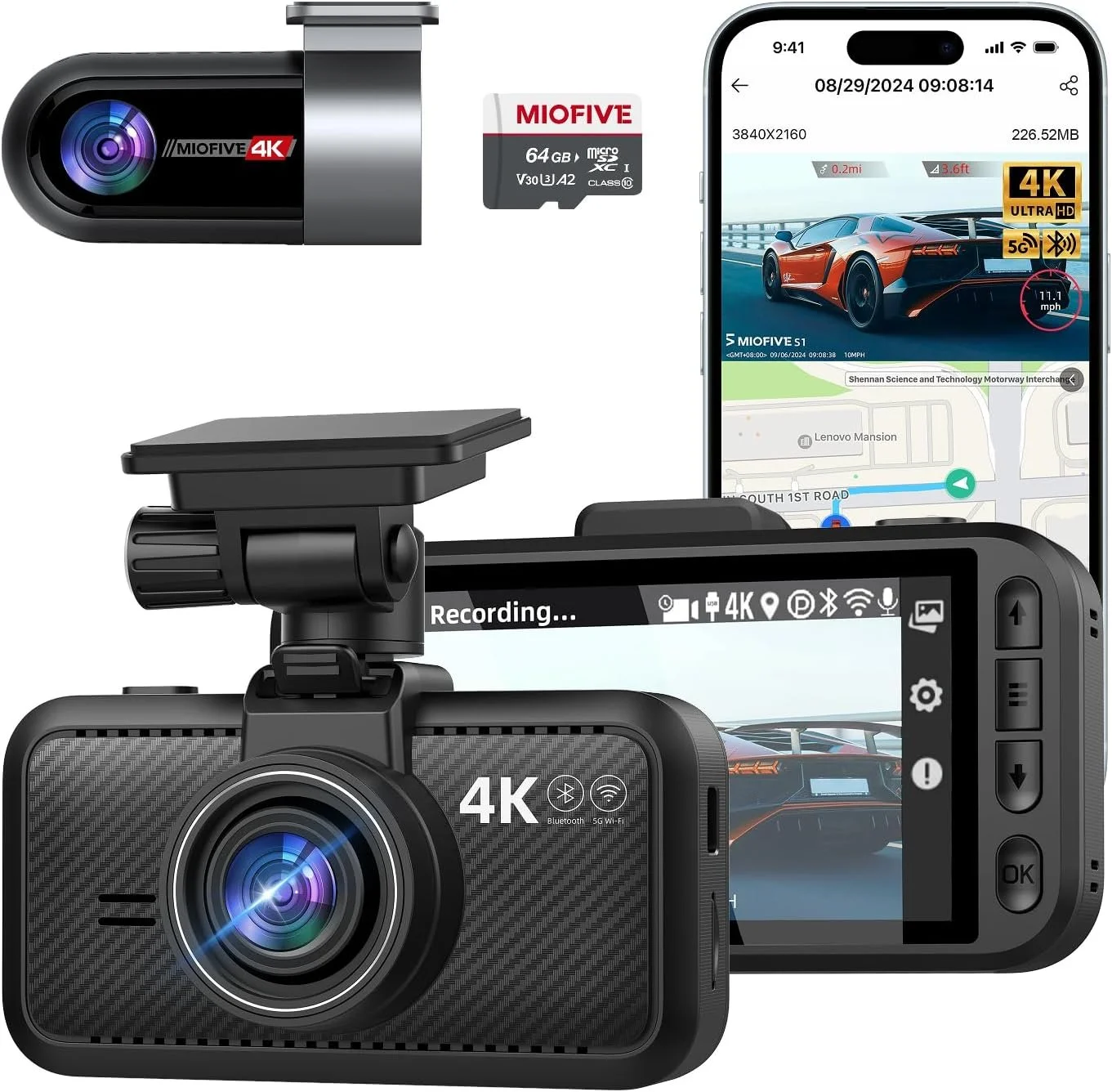
The S1 Ultra is the flagship option in this group, with 4K recording from both the front and rear cameras. The front camera records at 30fps using a GC8613 sensor and a seven-glass F1.8 lens, while the rear camera records at 25fps. HDR Super Night Vision is designed to help with recording after dark, and built-in GPS, 5GHz Wi-Fi and Bluetooth are also included. A 64GB microSD card comes in the box, and 24-hour parking monitoring is supported with a hardwire kit. Consider the S1 Ultra if you want the highest-resolution front-and-rear recording offered in this lineup.
Miofive Mirror 1: A Different Approach to a Dash Cam
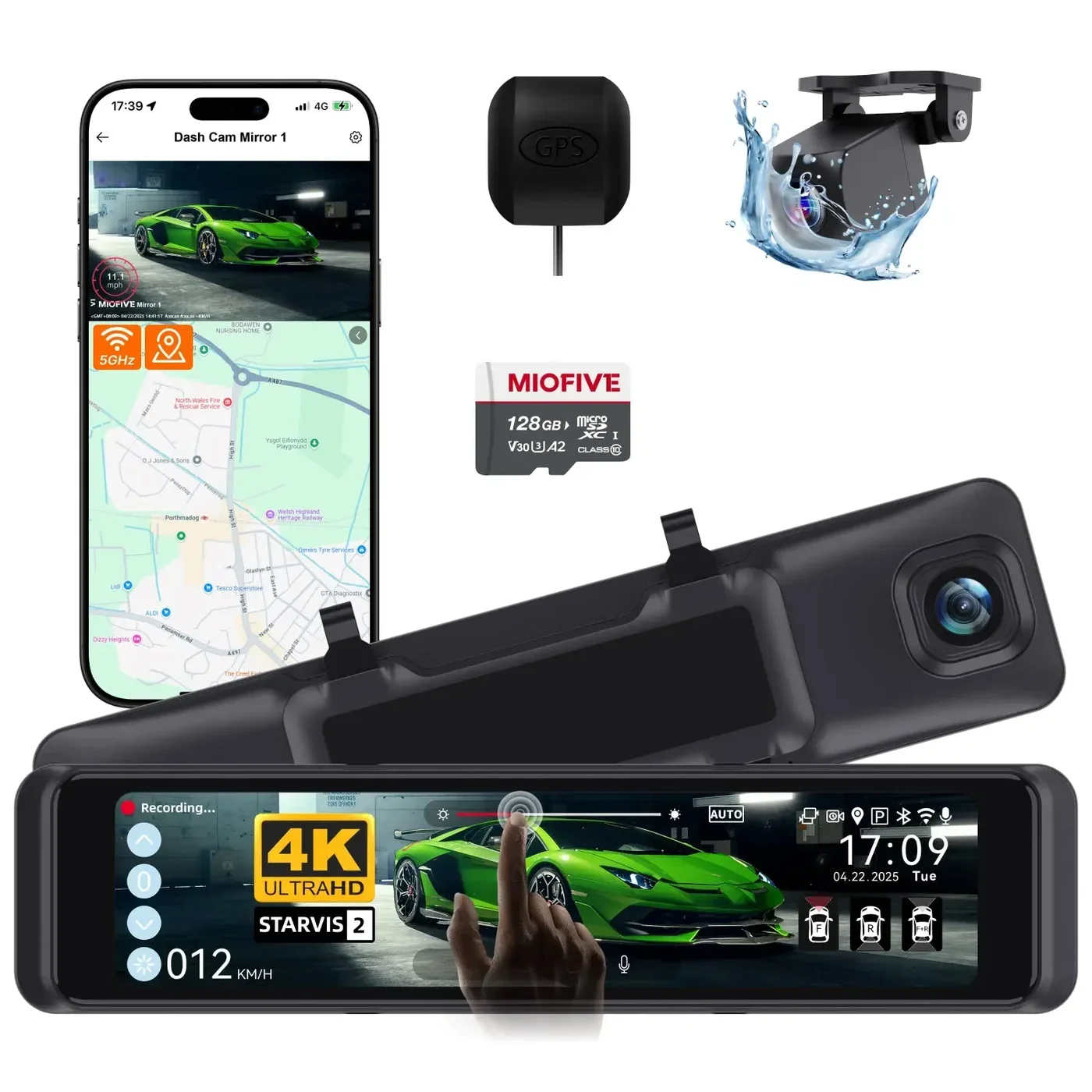
The Mirror 1 is aimed at drivers who want something different from a traditional windshield-mounted dash cam. It uses an 11.26-inch curved anti-glare IPS touchscreen that replaces the vehicle's existing rearview mirror. A 4K front camera and 2K rear camera both record at 30fps, while the display can show the front camera, rear camera or a split-screen view. The system also includes an external GPS antenna with UK speed camera alerts and AI-powered driver-assistance alerts for things such as lane departure, sudden braking and stop-and-go traffic. Consider the Mirror 1 if you want an integrated mirror-style system rather than a conventional dash cam.
What Should You Look For in a Dash Cam?
I live in the Orlando area, and after years of driving here, I've used dash cam footage more times than I'd like. Drivers are unpredictable, accidents happen quickly, and sometimes having a recording is the easiest way to show exactly what happened. At this point, I don't really consider a dash cam optional anymore. If you drive regularly, I think it's something you should have.
That experience has also made me realize that choosing a dash cam isn't necessarily about buying the one with the most features or the highest resolution. It's about having the right coverage and features for the way you drive.
Resolution is an obvious place to start, but it isn't the only thing that matters. Think about camera coverage. A single front-facing camera keeps things simple and may be all you need, while a front-and-rear setup gives you another perspective on what's happening around your vehicle. Consider how much coverage you want and what makes the most sense for the way you drive. Pay attention to nighttime recording. A lot of driving happens after dark, and resolution alone doesn't guarantee that you'll be able to make out important details. Features such as HDR and good low-light processing can make a difference.
Don't overlook parking monitoring. Several Miofive models support 24-hour parking monitoring, although some require a separately sold hardwire kit. Factor that into both the price and installation before choosing a camera. Think about storage. Dash cams continuously record and overwrite older footage, so storage capacity determines how much history you can retain. Included cards vary between models, and some cameras support significantly larger cards than others.
Finally, consider the installation. Traditional dash cams mount inside the vehicle and are relatively easy to add or remove, while something like the Mirror 1 takes a more integrated approach by replacing the existing rearview mirror.
For me, though, the most important thing is simply having one. You can debate 2K versus 4K, storage capacity, displays and extra cameras, but even a relatively basic dash cam is going to be more useful after an accident than having no footage at all.
Finding the Right Fit
There isn't one Miofive dash cam that makes sense for every driver. The right choice comes down to what you actually want from your setup and how much you're willing to spend. A simpler model may be all you need, while another person may want higher-resolution recording, additional camera coverage, parking monitoring or the convenience of an integrated mirror display. With Miofive's October 6–7 promotion, there are several different options to choose from. Rather than choosing based solely on the biggest discount, start by deciding which features matter most to you, then look at which model fits those needs and your budget.
