The Best USB Controllers for PC Gaming and Retro Emulation
Disclosure: We may earn a commission when you purchase through links on our site. This does not influence our reviews or recommendations.
I grew up playing N64, still love so many of the games, but owning a Nintendo 64 console and games today is a pain as original N64 hardware is getting harder to justify. Consoles are drying up on the secondhand market, loose cartridges routinely run $20-40 on eBay (more for anything Rare made), and getting composite video to look decent on a modern 4K TV is its own small project. So a few years ago I stopped fighting it and moved my N64 library to PC. The whole setup cost me less than a single copy of Ocarina of Time on eBay.
USB Nintendo 64 Controllers on Amazon!
The N64 Controller That Made It Click
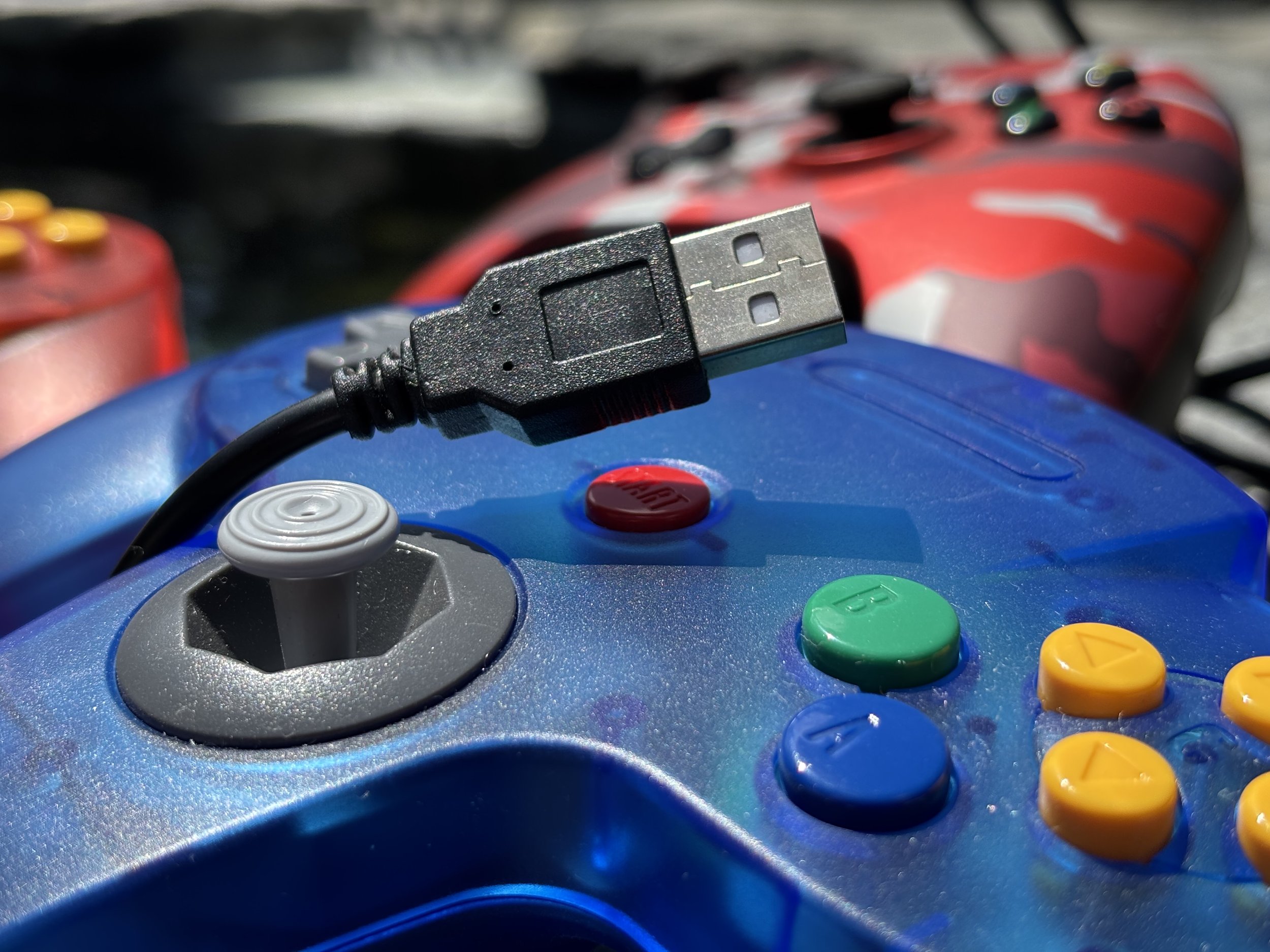
The piece that actually sold me was a USB N64 controller — same three-pronged layout, same trigger placement, plugged straight into a USB port with no receiver, no pairing, no fuss. Running through RetroArch with the Mupen64Plus core, Mario Kart 64, GoldenEye, Mario Party, Smash 64, and Ocarina of Time all play exactly the way muscle memory expects. The C-buttons are in the right spot. The analog stick has the right amount of give. That's the whole trick — the controller is doing most of the work of making it feel authentic, not the emulator. Want to game on the go? Check out the AYN Portal 2 review here!
The difference is everything else: instant loads, save states instead of fumbling with a single battery-backed cart save, and no cartridge connector slowly oxidizing in a drawer.
USB Nintendo 64 Controllers on Amazon!
USB XBox Controllers on Amazon!
USB Playstation Controllers on Amazon!
For Everything Else, It's an Xbox Controller
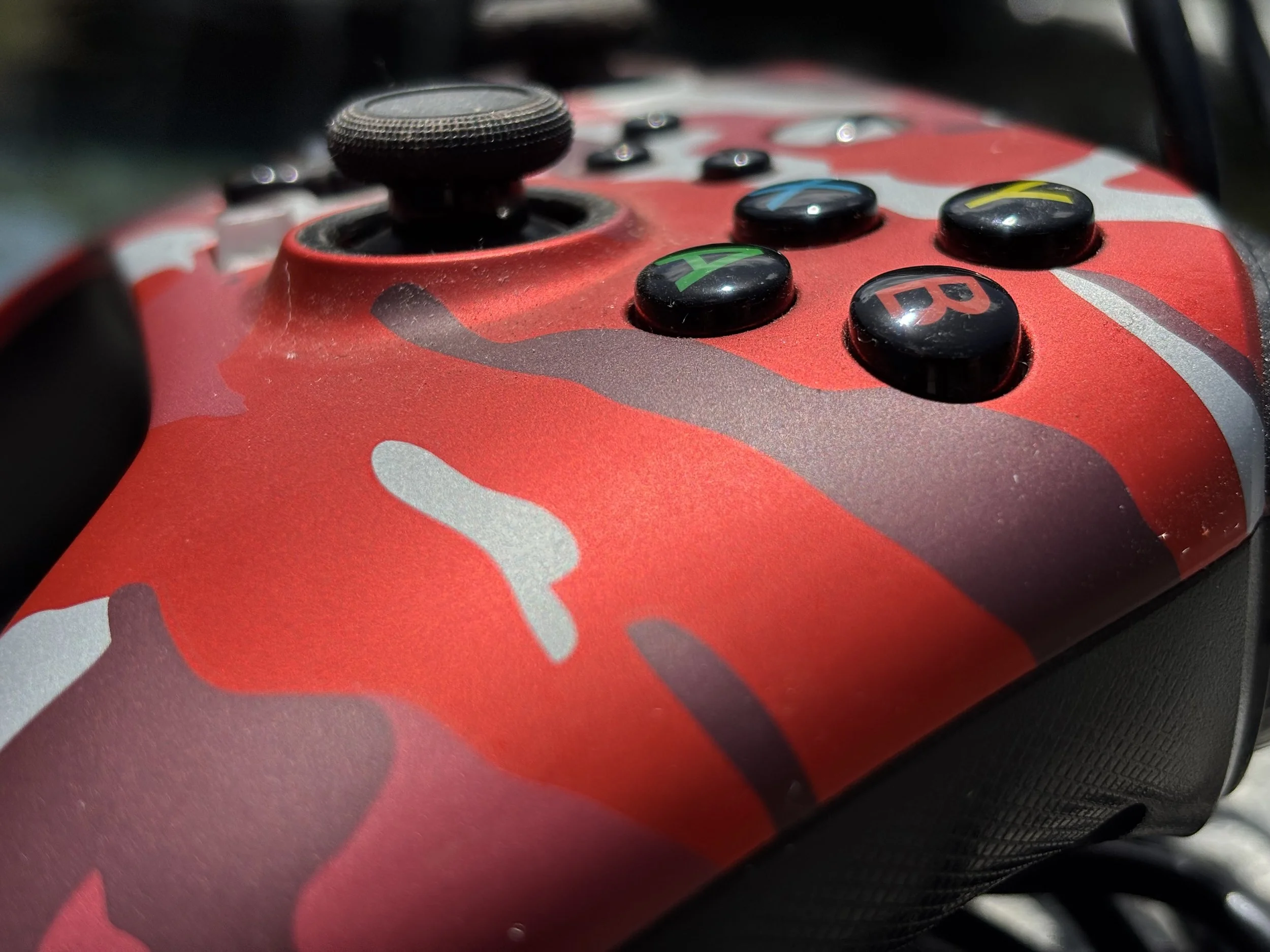
Outside of retro sessions, I default to a wired Xbox Series X|S controller. Windows has native Xbox Input (XInput) support baked in, so it's recognized the moment it's plugged in — no third-party drivers, no digging through Steam's controller config to remap something that should've just worked. Racing games, platformers, indie titles, character action games — it covers essentially everything I play on PC without a second thought.
Wired, On Purpose
I've owned wireless pads. I still end up back on a cable, for one reason: it removes an entire category of failure. No battery dying mid-boss-fight, no re-pairing a Bluetooth connection Windows decided to forget after a driver update, no latency creep from interference. Plug in, launch the game, done. On a desktop that never leaves the room, the cord costs me nothing.
The Setup, In Full
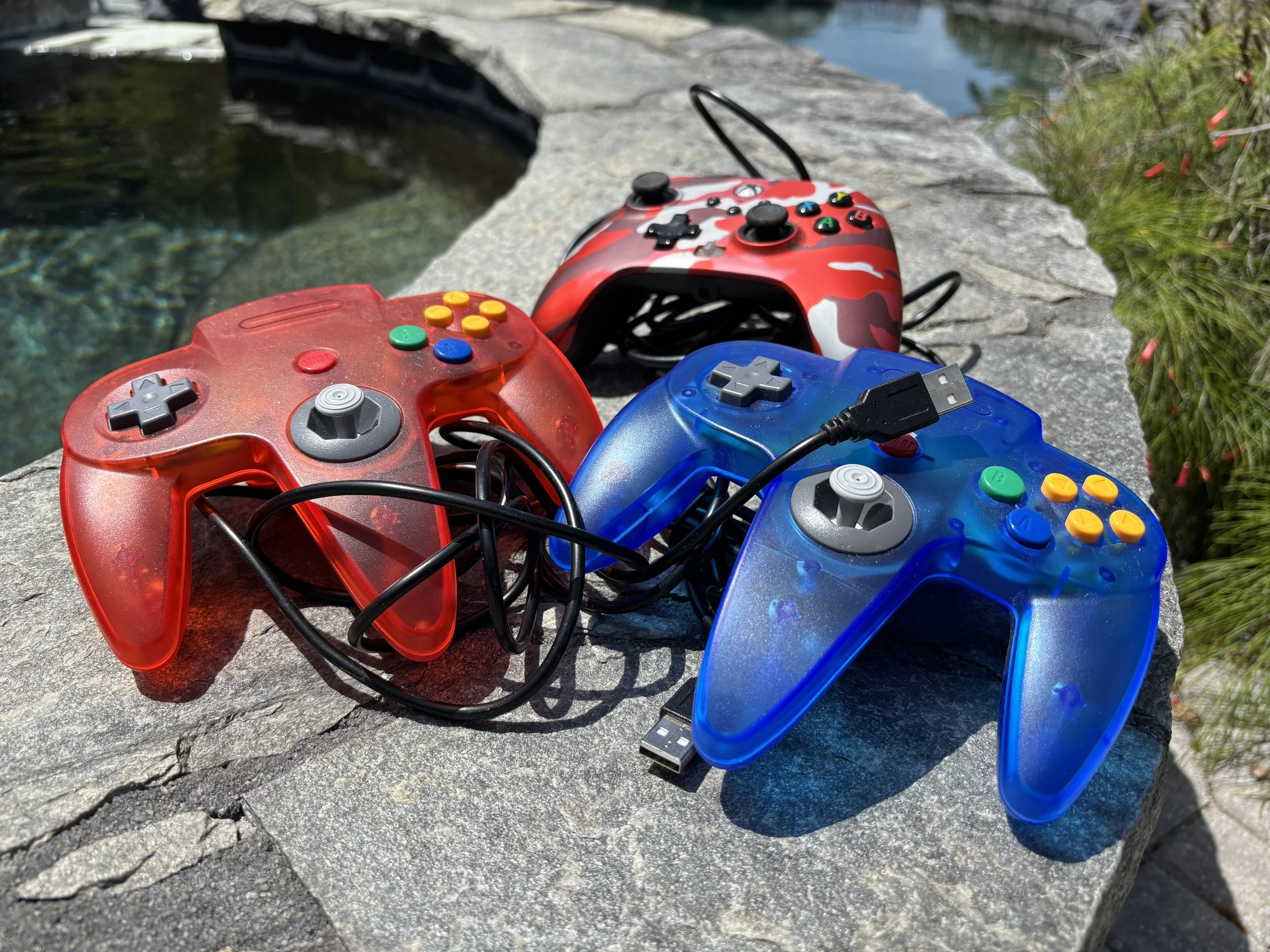
A PC, RetroArch, and two USB controllers gets you most of what a shelf full of retro hardware used to. The Xbox pad handles current games; the N64 pad handles the back catalog. Total hardware cost is a fraction of what a single loose GoldenEye cartridge sells for now, and there's no CRT or cartridge slot to maintain.
Final Thought
Retro gaming doesn't require buying up aging hardware or chasing eBay auctions for carts that were $50 new and are $80 now. A wired USB N64 controller and a wired Xbox controller cover both ends of what I play — one keeps the classics feeling exactly right, the other handles modern releases without a second thought. Sometimes the upgrade that matters isn't the GPU. It's just having the right controller plugged in.
USB Nintendo 64 Controllers on Amazon!