AYN Odin Buying Experience: What to Expect When Ordering an Odin Handheld
Disclosure: We may earn a commission when you purchase through links on our site. This does not influence our reviews or recommendations.
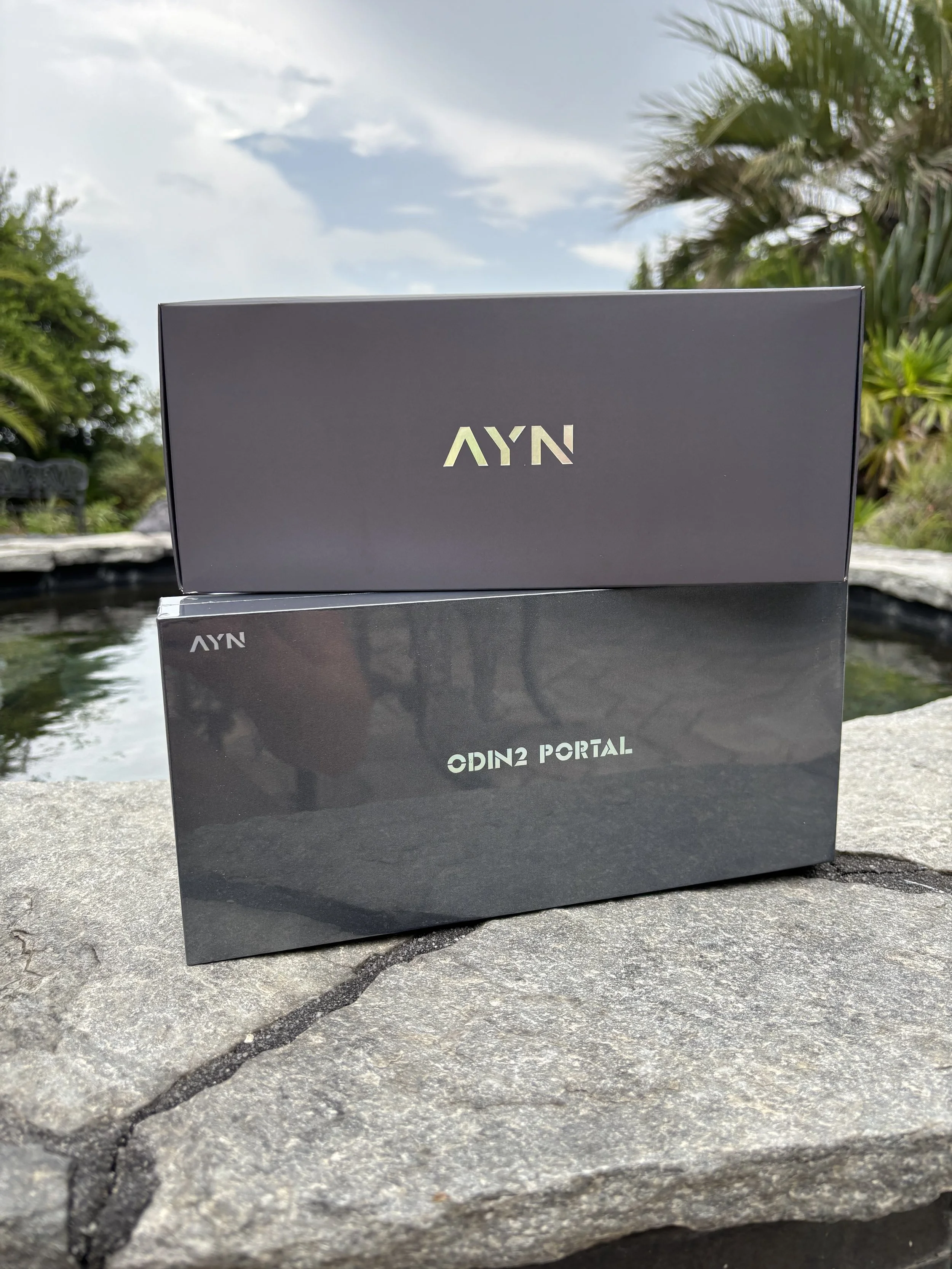
Ordering an AYN handheld isn't like buying a Steam Deck or a Switch off a store shelf. You're ordering straight from overseas, so a little patience comes standard — no expedited shipping magic here. The good news: mine showed up almost exactly when I figured it would.
My Timeline (in 2026)
June 28 — Order placed
July 13 — Shipping notification
July 26 — Landed on my doorstep
Order to unboxing, right around a month. That tracks with what I've seen from other AYN owners online, so if you're on the fence about ordering, plan your expectations around "four weeks," not "four days."
What You Should Actually Do While You Wait
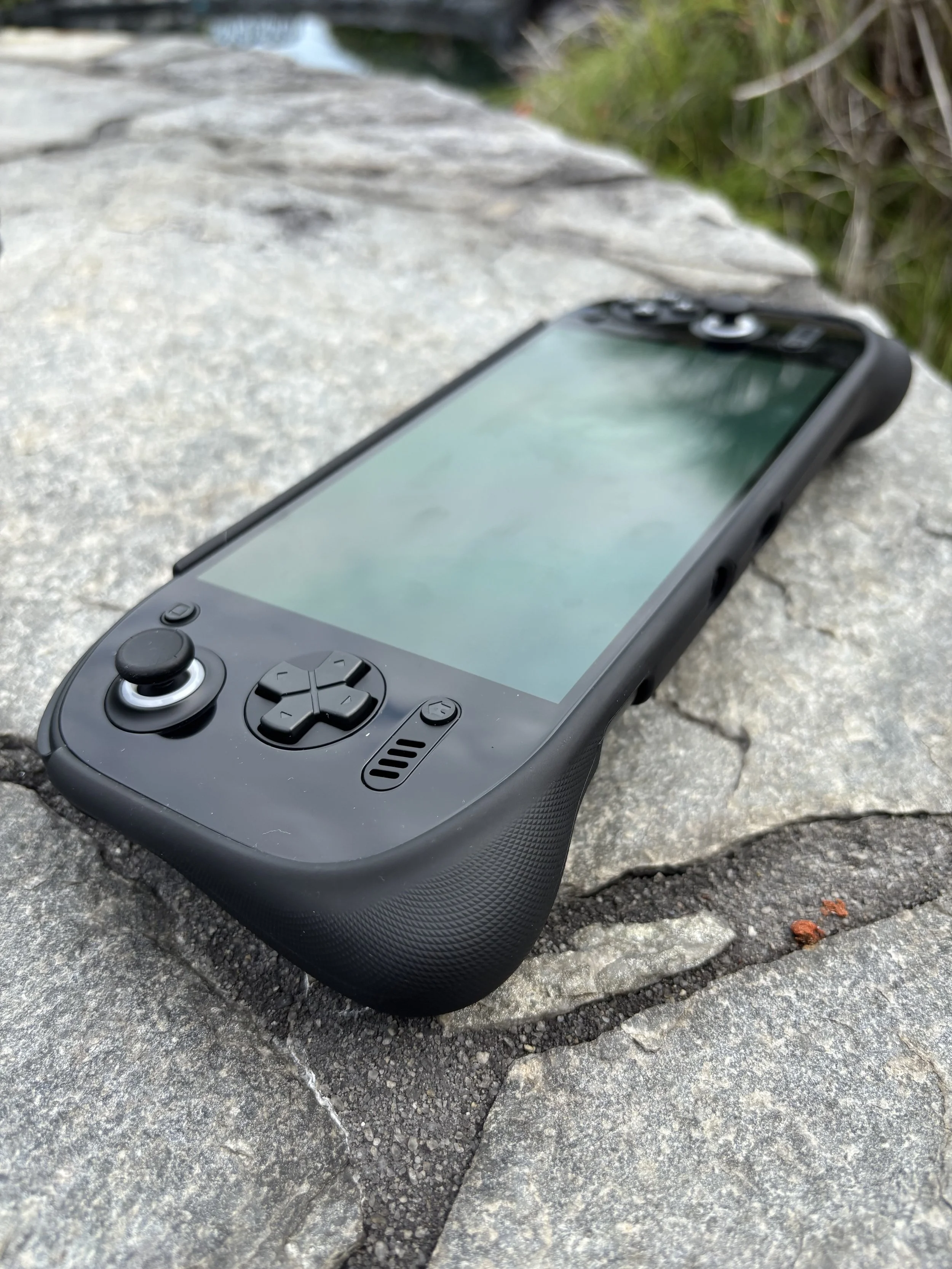
The waiting itself isn't the hard part — it's the refreshing-the-tracking-page-six-times-a-day part. Do yourself a favor and put that energy into your ROM library instead. That's genuinely where most of your setup time will go once the device arrives, since emulators get installed directly on the handheld — there's not much prep you can do there. But showing up on day one with your games already sorted, renamed, and ready to copy over? That's the difference between "playing Ocarina of Time an hour after opening the box" and "still digging through folders at midnight." Read my full review on Odin 2 here!
Don't Go Overboard on Storage
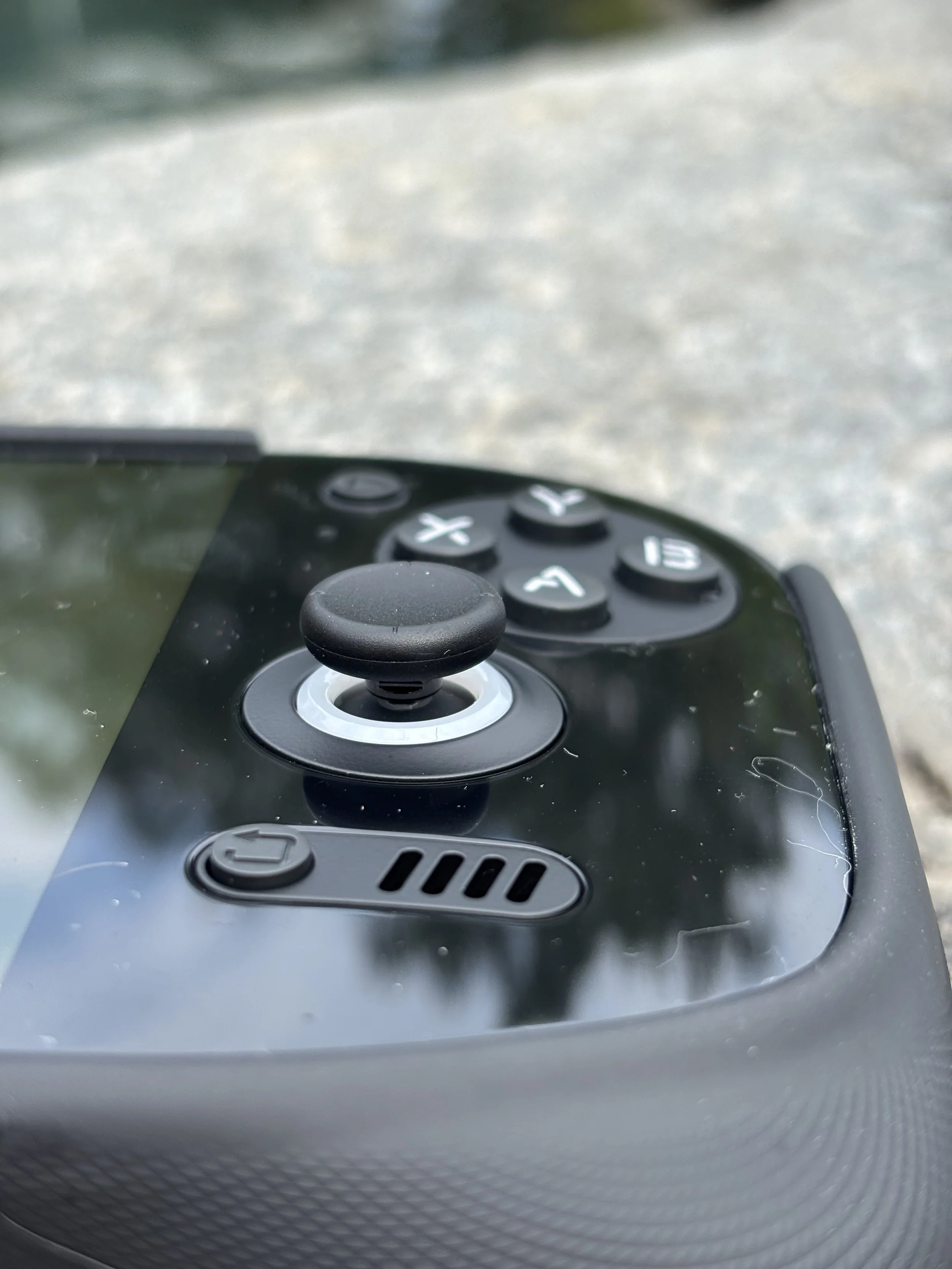
Everywhere I looked, people were pushing the 1TB microSD card as some kind of requirement. Honestly? Skip it.
I grabbed a 256GB card, loaded it up with a healthy stack of PS2, GameCube, and N64 titles, and I'm still sitting at around 20GB used. Unless your goal is literally "every game ever made, just in case," 256GB has way more headroom than you'd think.
Put that saved cash toward actual games — or start a fund for whatever handheld AYN announces next, because there's always another one.
The Setup
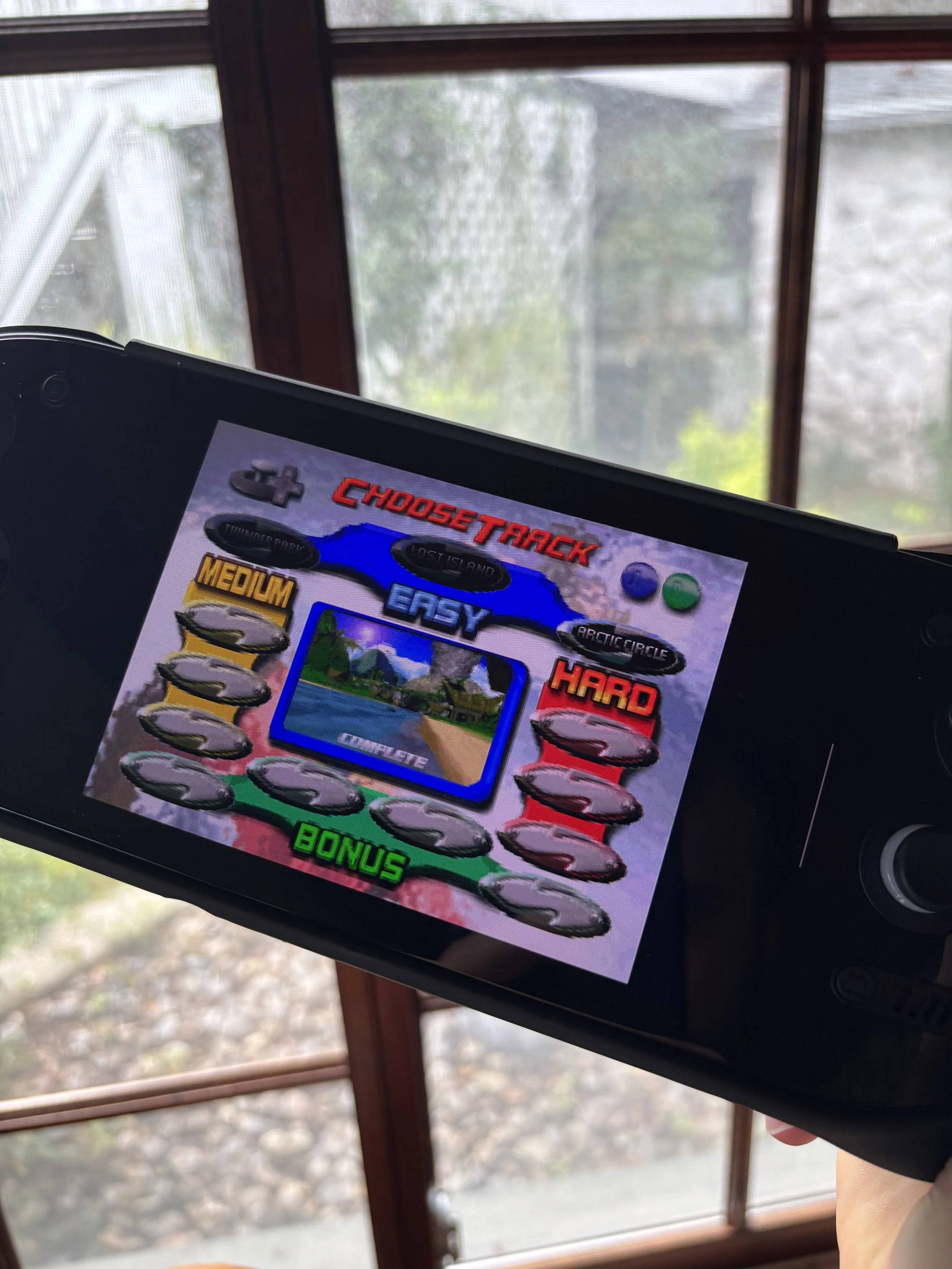
I'd already messed around with emulation before this — I've got an R36S — so I wasn't walking in blind. Even so, it only took about 20 minutes before I felt fully comfortable navigating everything. Some guides out there are massive, I didn’t tweak and adjust everything, I just got it running and add fun!
If this is your first Android emulation handheld, though, brace for a small learning curve. It's not hard, exactly, but it's also not "pull a Switch out of the box and you're playing Mario in ninety seconds" levels of smooth. Once you've got things dialed in, though, it clicks fast and stays out of your way.
Our Take
The wait can feel like it drags, but the second the Odin was actually in my hands, I'd have done the whole thing again without a second thought. My honest advice: stop staring at the tracking number. Spend that month getting your ROM collection in order, grab a reasonably sized microSD card instead of the biggest one you can find, and you'll be ready to go the moment the box hits your porch.
Shipping takes a while — but once you're holding it, it's obvious why so many people say the wait is worth it.