How Much Should You Actually Spend on a Projector? The Truth About Budget vs. Premium Models
Disclosure: We may earn a commission when you purchase through links on our site. This does not influence our reviews or recommendations.
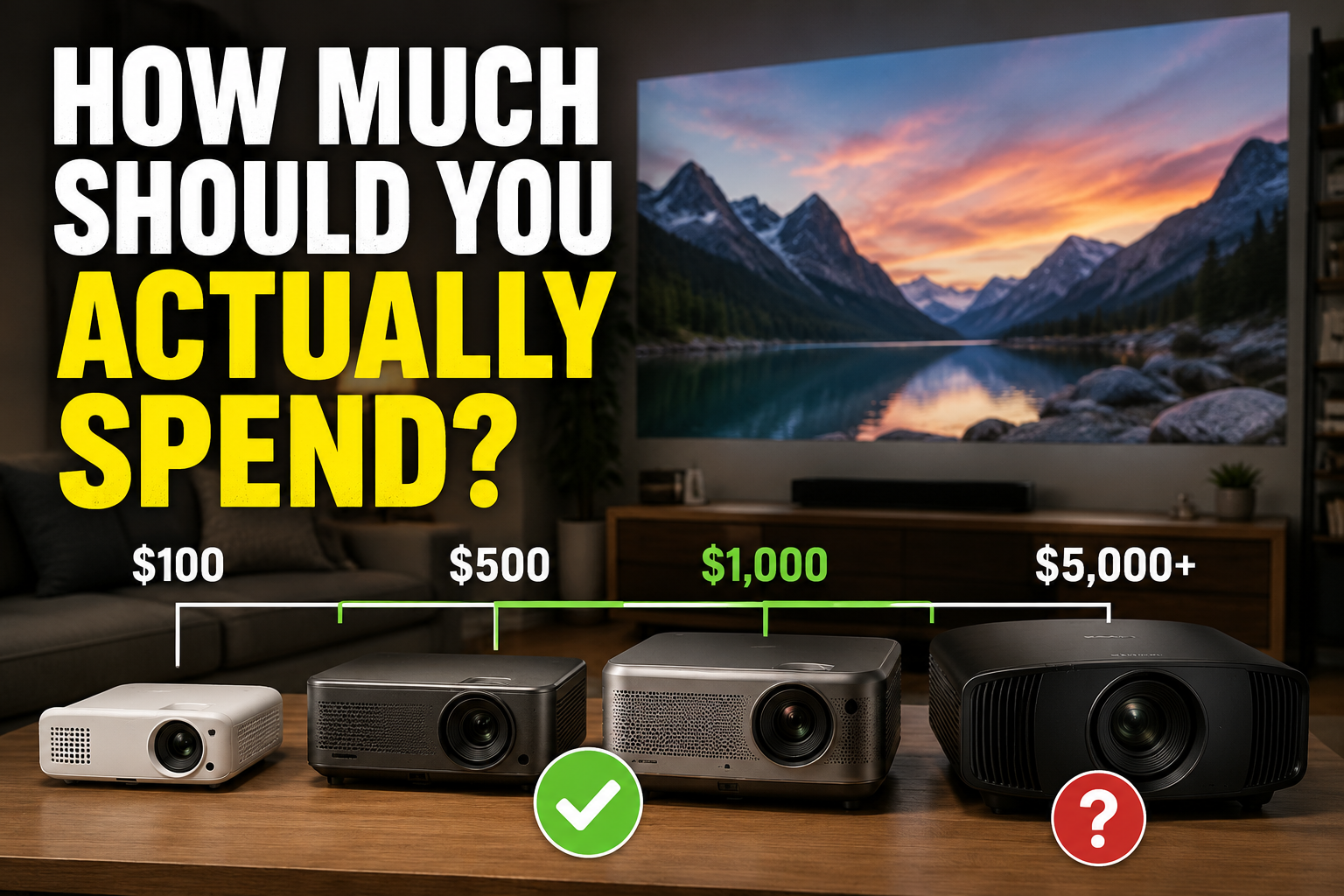
Projectors have quietly gone through the same transformation TVs did a decade ago. Budget models that used to look like a middle school AV cart now hold their own in a living room. The catch: the market hasn't caught up, and most first-time buyers still overspend by a wide margin.
The biggest mistake isn't buying too cheap. It's buying way more projector than your setup can actually use.
Best Projector Deals on Amazon!
Start With Why You Want One
Be honest about the use case before you look at a single spec sheet. Most buyers fall into one of these categories:
Family movie nights
Backyard/outdoor screenings
Gaming on a huge screen
Replacing a TV in a bedroom or bonus room
Wanting a massive picture without paying for a 100-inch TV
If that's you, you don't need a $2,000–$5,000 projector. Full stop. Those exist for a different buyer, and I'll get to that.
Under $200: Toy-Tier, and That's Fine
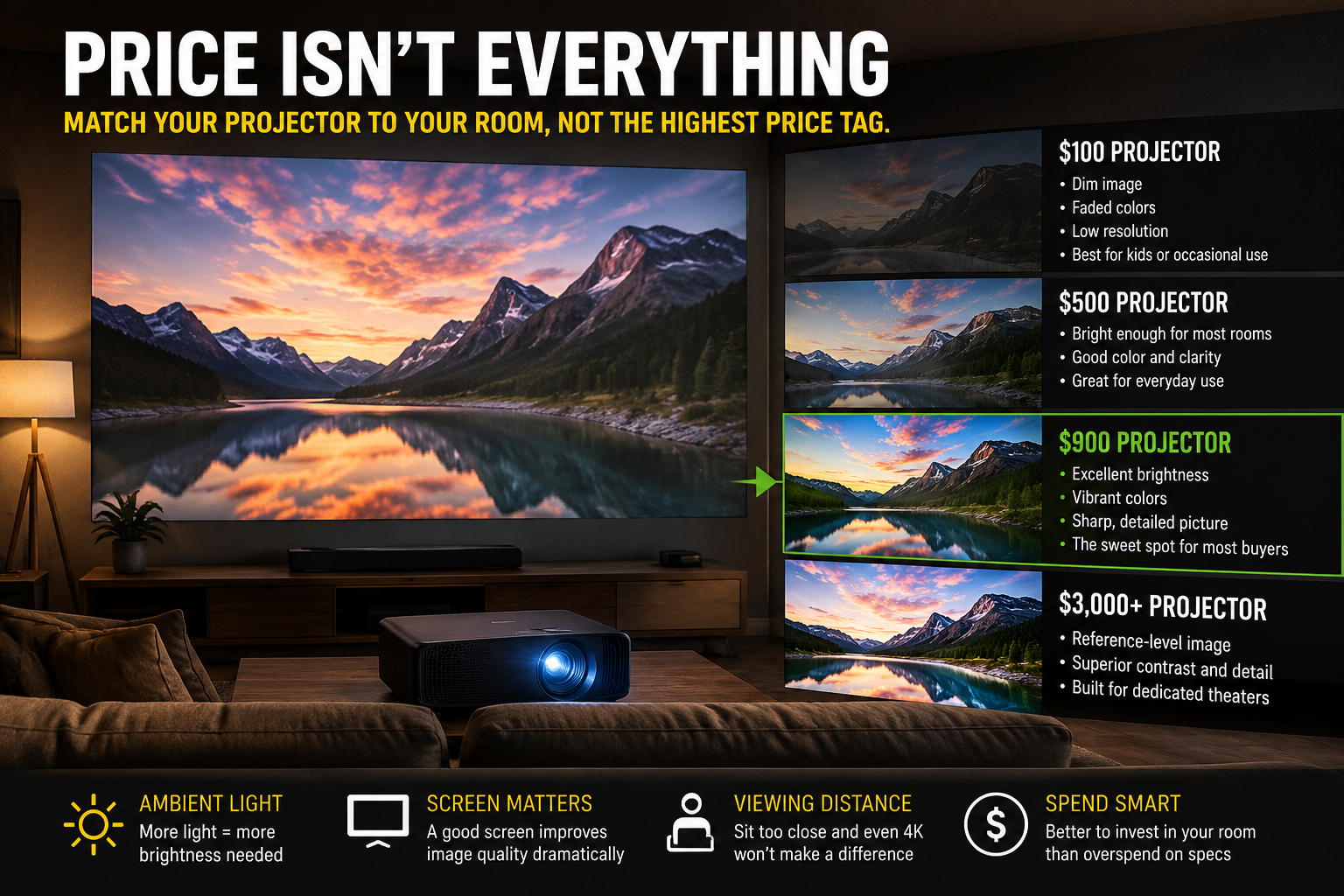
This is the ultra-budget tier — think $80 to $180, usually LCD-based with 1080p "support" (meaning it accepts a 1080p signal, not that it renders one natively). Real output is often closer to 480p-720p resolution and 100-200 ANSI lumens.
Read our review on the BEST SELLING projector on Amazon!
Good for:
Kids' rooms
Camping trips
Dorm rooms
Occasional backyard movie nights on a blank wall
Don't expect punchy color, deep black levels, or a picture that holds up past 80–100 inches. These are disposable gadgets, not TV replacements. Buy one if you want a fun toy, not if you want a genuine home theater experience.
$300–$600: Now It's a Real Option
This tier is where DLP and LED light sources start showing up, along with actual native 1080p panels instead of upscaled input. Look for:
True native 1080p (not "supports 1080p")
300–500 ANSI lumens minimum for any daytime use
Auto-focus and auto keystone correction — huge time-saver, skip anything without it
Built-in streaming (Google TV or Android TV certification, not a knockoff app store)
Brands worth checking at this price: Anker Nebula's entry models, WEMAX, and some Xgimi Halo-series discounts. This is a legitimate "good enough for most people" tier if your room has decent light control.
$600–$1,000: The Sweet Spot
If someone asks me directly where to spend money, this is the range. This is where you get:
Native 1080p done well, or entry-level native 4K (often with pixel-shifting rather than a true 4K panel — read the fine print)
1,000–2,200 ANSI lumens, enough for rooms with some ambient light
Laser or LED light sources (quieter, longer-lasting, more consistent color than lamp-based units)
Real optical zoom and lens shift, not just digital keystone correction
Noticeably quieter fans
Brands consistently worth shortlisting here: Dangbei (Mars/Atom series), BenQ (their home-entertainment line, not the office projectors), Epson (3LCD models, great color accuracy), JMGO, and XGIMI (Horizon/Halo series). Cross-shop these — pricing shifts constantly and the "best" pick changes month to month.
For the average buyer, spending past this point is diminishing returns, not a meaningful upgrade.
Best Projector Deals on Amazon!
$1,000–$3,000: Buy This Tier Only If You Need It
This is genuine home-theater territory — true native 4K panels, real HDR10/HDR10+ processing, better lens elements, and noticeably better motion handling and black levels.
Ask yourself honestly: will you notice the difference?
Watching football with the blinds open on Sunday? No, you won't.
Sitting in a fully dark, dedicated room with a proper screen? Yes, absolutely — this is where the money shows up.
If your viewing environment doesn't support it, you're paying for specs you'll never see.
$3,000+: Enthusiast Territory
These are built for people optimizing image quality as a hobby — controlled lighting, calibrated screens, dedicated seating. Incredible projectors, but not built for casual movie nights, and you won't get your money's worth without the room to match. This is installer grade stuff here, unless your doing a full on home theater, no need to spend this much.
Don't Skip the Screen
This is the part people blow past every time. A projector is one half of the picture — literally. I've seen people drop $1,500 on a projector and then beam it onto a wrinkled $60 pull-down screen or a textured beige wall.
A proper matte-white or ambient-light-rejecting screen, correct throw distance, and basic light control (blackout curtains, dimmable lights) will improve your image as much as the next $1,000 spent on the projector itself. Budget for the screen — don't treat it as an afterthought.
Buy on a Sale, Not at Launch
Don't pay list price. The projector market moves fast — new models launch constantly, and last year's flagship gets discounted the moment its successor drops. Unless you need one this week, wait a few weeks and watch for a sale. It's routine to save $100–$300 just by being patient.
Bottom Line
Shopping for a projector today is a lot like shopping for a TV five years ago: even the mid-range stuff is genuinely good. Buy for how you actually watch — casual movie nights, sports, gaming — not for specs you saw praised on a home theater forum.
For most buyers, staying under $1,000 is the right call. Past that, you're paying for improvements that only matter in a dedicated, light-controlled room.