How Much storage space Does Your Retro Handheld Actually Need? (I Just Bought 1TB, Here's My Take)
Disclosure: We may earn a commission when you purchase through links on our site. This does not influence our reviews or recommendations.
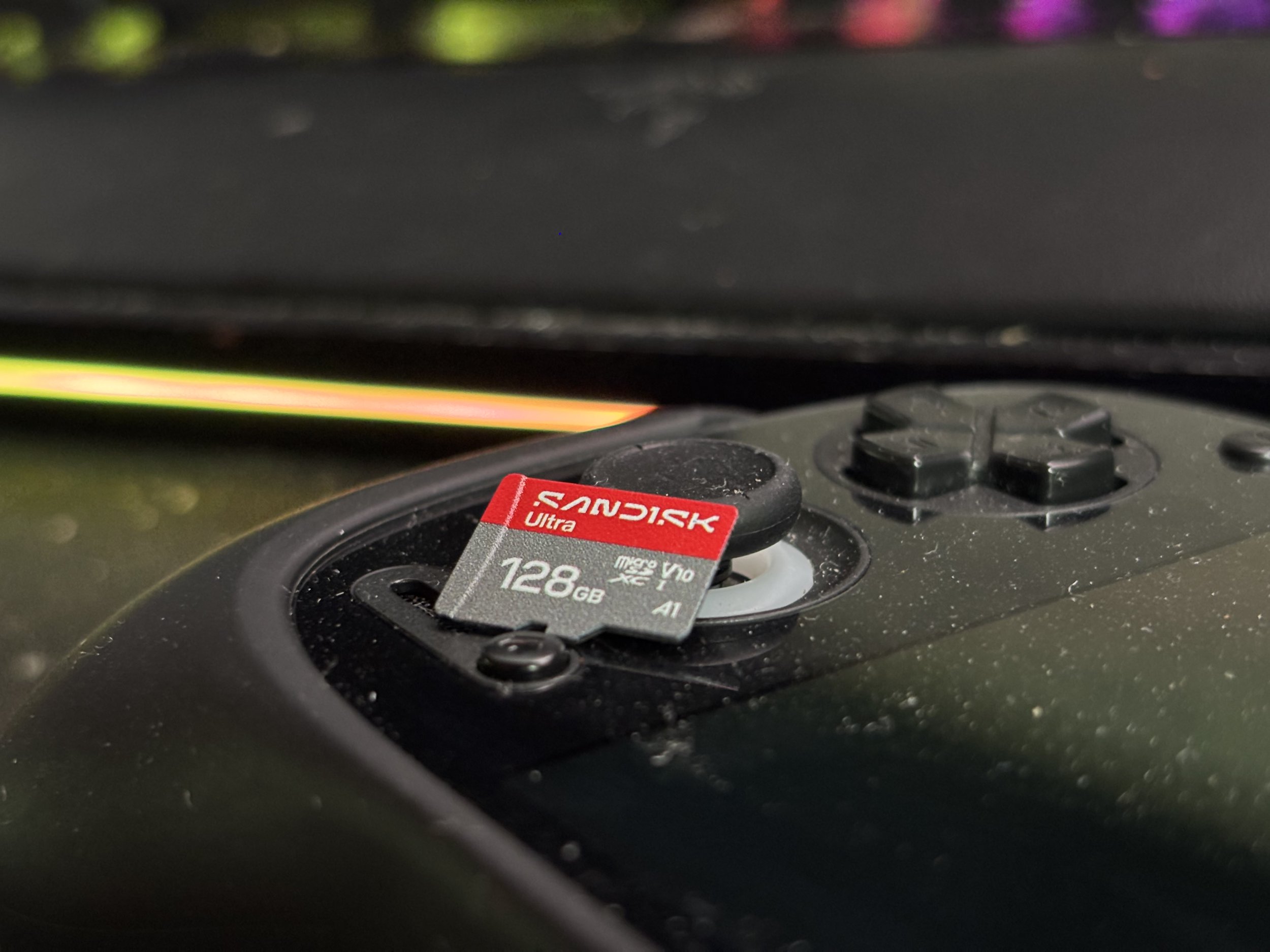
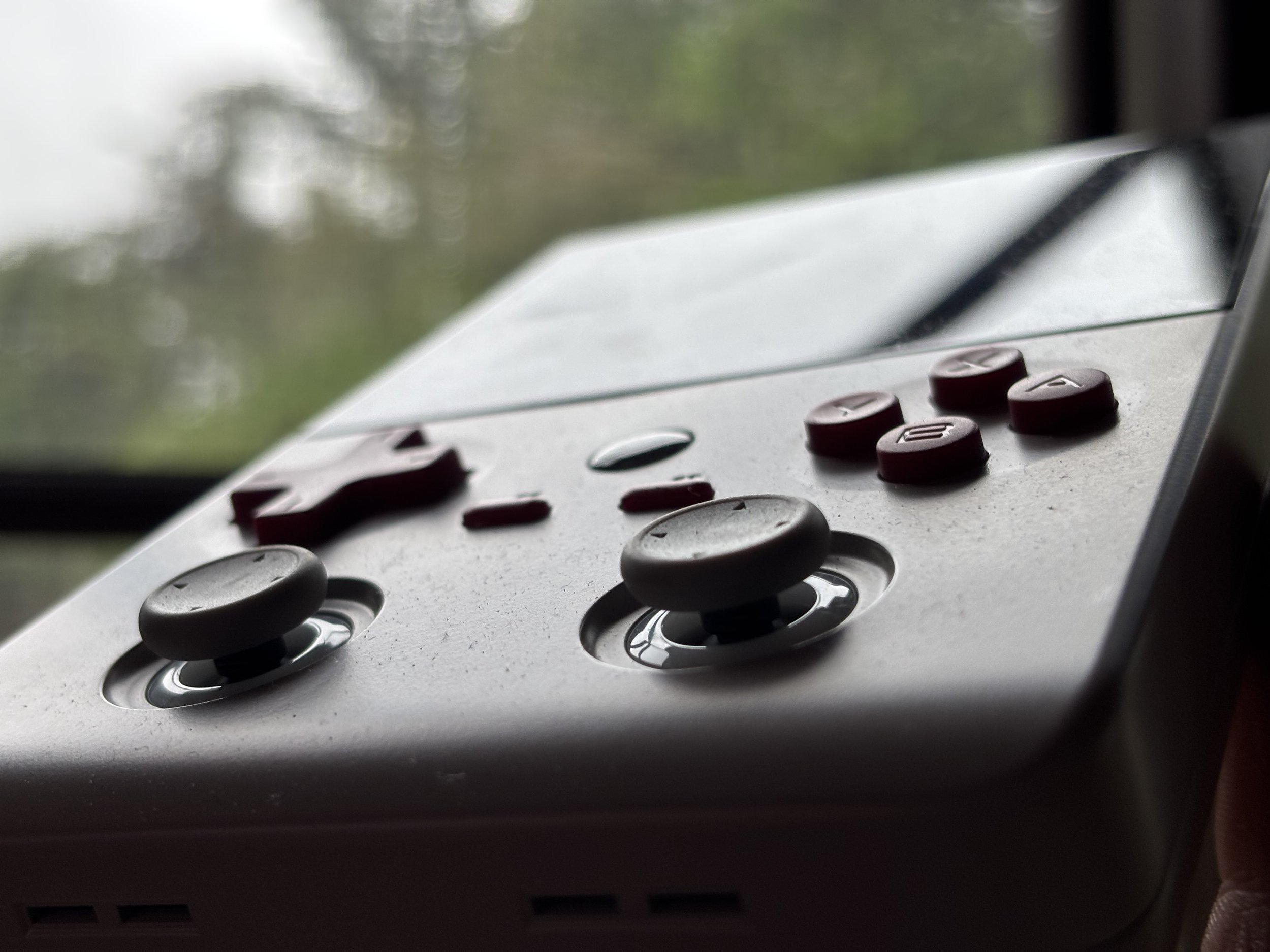
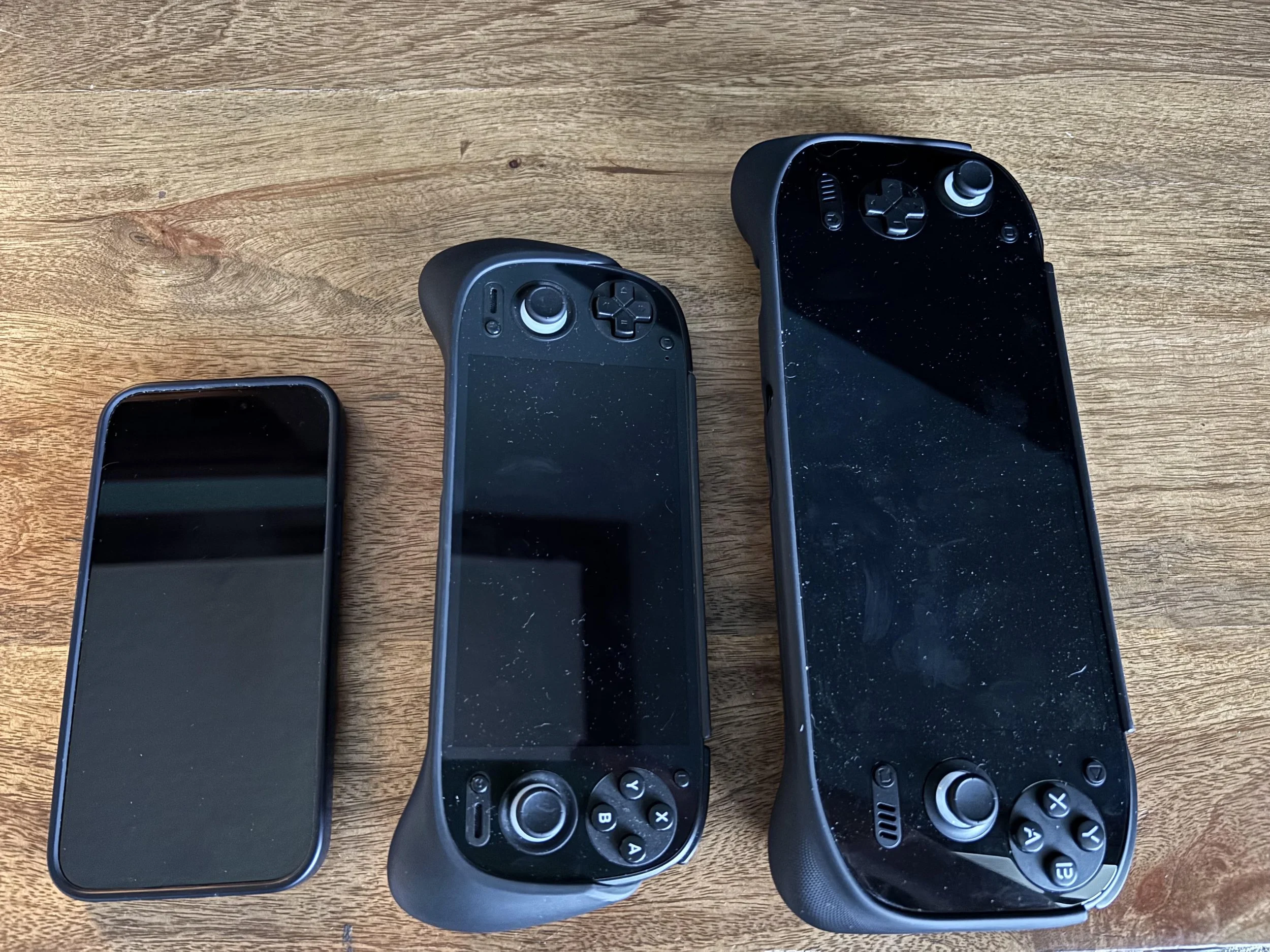
The microSD card is one of the best upgrades you can make to a retro handheld, and it's also one of the easiest to overthink. I've been through the whole cycle on my AYN Odin 2 Portal: six happy months on a 256GB card, then a Prime Day impulse buy of a 1TB card for about $130. Here's what I learned, what I'd buy today, and which numbers on the box you can ignore.
The Micro SD Card I bought on Amazon
256GB: Better Than You'd Expect
I didn't feel cramped for a long time on 256GB, and I think it's the right call for a lot of people, especially if you're just getting started. Older systems barely register. NES, SNES, Genesis, Game Boy and GBA libraries are tiny, and you can load thousands of games and still have most of the card free. Add PlayStation, N64 (This is still pretty small), Dreamcast, PSP and arcade, and 256GB still has room. The catch is being a little picky. If you only load games you'll actually play instead of every ROM you've ever downloaded, 256GB goes a long way. Things get tight once you start piling on disc-based systems. GameCube and Wii games are mostly manageable, but PS2 games add up fast, and a decent PS2 collection can eat a big chunk of the card by itself.
512GB: The One I'd Tell My Friends to Buy
If a friend asked me what to buy for an Android handheld today, I'd say 512GB without thinking about it. You get double the space of a 256GB card without paying the premium that comes with the biggest cards. You can keep your huge retro library, a healthy PSP and Dreamcast collection, and a good stack of GameCube, Wii and PS2 games, and you'll stop playing the delete-one-to-install-one game. That's where storage stops being something you think about.
The Micro SD Card I bought on Amazon
When 1TB and 2TB Make Sense
This is where I landed, and it was my library that pushed me there, not the number on the box. If you're deep into PS2, GameCube and Wii, or you want PS3, Xbox 360 and a few Switch games on your handheld, you'll hit the ceiling quickly. Games on those systems regularly weigh several gigabytes each, and some run into the tens. Add texture packs and native Android games and it gets worse. My 1TB card cost about $130 on sale. It isn't pocket change, but it lets me carry my whole library with room to spare, instead of keeping a curated "travel library" and swapping games in and out. That convenience is what you're paying for at this size. What about 2TB? It's a fun option if you want literally everything on you, or you're heavy into PS3, 360 and Switch. For most people it's a lot of money to fix a problem they don't have yet. If I were buying again today, I'd get a good 1TB card before I'd jump to 2TB. I still want to upgrade, but it’s not worth the $200+ price tag for me right now.
Brands: Stick With the Names You Know
A very cheap 1TB or 2TB card from a brand you've never heard of is a bad bet. Do NOT buy the cheap brand! Fake and falsely labeled flash storage has been around for years, and some cards report more capacity than they really have until you write enough data to expose it. You do not want to find that out after spending hours organizing and scraping a library. Buy from a reputable seller too, not just a reputable brand. Once your card arrives, run a capacity test like H2testw before you load it up. It takes a little time and saves a lot of grief.
These are the three brands I'd look at first. Samsung PRO Plus. This is the safe default. It carries UHS-I, U3, V30 and A2 ratings, and the 512GB version is specified at up to 180MB/s read and 130MB/s write. Samsung and SanDisk both advertise protection against water, extreme temperatures, X-rays and drops, backed by a 10-year limited warranty. Rated speeds vary a bit between capacities and generations, so check the listing for the exact card you're buying.
SanDisk Extreme. It looks faster on paper. The 1TB model is rated for up to 190MB/s read and 130MB/s write. One reviewer's desktop benchmarks showed the Extreme consistently hitting sequential reads of roughly 188 to 192MB/s, within a second or two of the Samsung PRO Plus on load times. Great card, but don't expect a night-and-day difference.
Lexar Play. This is the value pick and the one I picked. Lexar's Play cards are built for portable gaming, and one reviewer who tested them against the SanDisk Extreme and Samsung PRO Plus said it was hard to tell the difference in real use. If you're after the best bang for the buck, start here.
The Micro SD Card I bought on Amazon
What A1, A2, U3 and V30 Mean
This is where microSD shopping gets needlessly confusing, but you only need to care about a few ratings. The one that matters most for a handheld is A2. The "A" stands for Application Performance Class, and unlike ratings aimed at big sequential transfers, it sets minimums for random reads and writes. A2 calls for at least 4,000 random-read and 2,000 random-write IOPS, versus 1,500 and 500 for A1. That matters because running games from a card looks a lot more like random access than recording one giant video file. You'll also see U3 and V30 on better cards. Both mean a minimum sustained write speed of 30MB/s. Together they're a good sign you're looking at a card built for more than snapping photos. My shortcut: an A2, U3, V30 UHS-I card from Samsung, SanDisk or Lexar. Check that and you're done.
Why a "180MB/s" Card Won't Feel 180MB/s Faster
The biggest misunderstanding I see is treating the maximum read speed as the speed you'll get. Those figures are best-case numbers measured under ideal conditions, and your handheld's slot is what actually sets the ceiling. Testers have described the real-world gap between the Samsung PRO Plus, SanDisk Extreme and Lexar Play as marginal once the device's bus caps throughput. Think seconds, not minutes, on game loads.
microSD Express is a good example. Lexar's Play PRO Express card advertises up to 900MB/s read and 600MB/s write, but those headline speeds need a host that supports microSD Express. That's impressive, and it's the card type you need for Nintendo Switch 2. But a regular UHS-I handheld can't use that speed, so you'd be paying extra for performance you can't access. Check what your handheld's slot supports before you buy. For a retro handheld, capacity and reliability usually beat raw speed.
My Size Cheat Sheet
256GB: A great starting point. It was plenty for me for six months.
512GB: The sweet spot for most enthusiasts.
1TB: For people with big PS2, GameCube and Wii collections, or anyone adding PS3, 360 and Switch. This is where I landed. (cause I found a deal on one!)
2TB: The "I want everything" card. Cool, but only if you'll actually fill it. I still want this!
The Bottom Line
The best microSD card isn't the biggest or the fastest. It's the one that's big enough that you stop thinking about storage and reliable enough that you never have to think about the card itself. I upgraded because my library finally outgrew my card, not because 1TB sounds cooler than 256GB. If you're not there yet, don't feel like you're missing out. Start with 256GB or 512GB and upgrade when it gets annoying. And if you catch a good Prime Day deal like I did, go for it.